PowerScan Configuration
16
PreScan™ Queue-Busting System
Radio and Communication Timeouts (for Base)
Basket Inquiry Timeout Setting
This setting controls the length of time the base station waits for a scanner to respond to a
request for data associated with a given control card. In cases where loyalty cards are used the
request may frequently time out, since a request is generated every time a loyalty card is scanned
just in case there is data associated with it. A long timeout slows performance and increases the
RF traffic, but allows for a more robust system where the handheld scanner may be near the
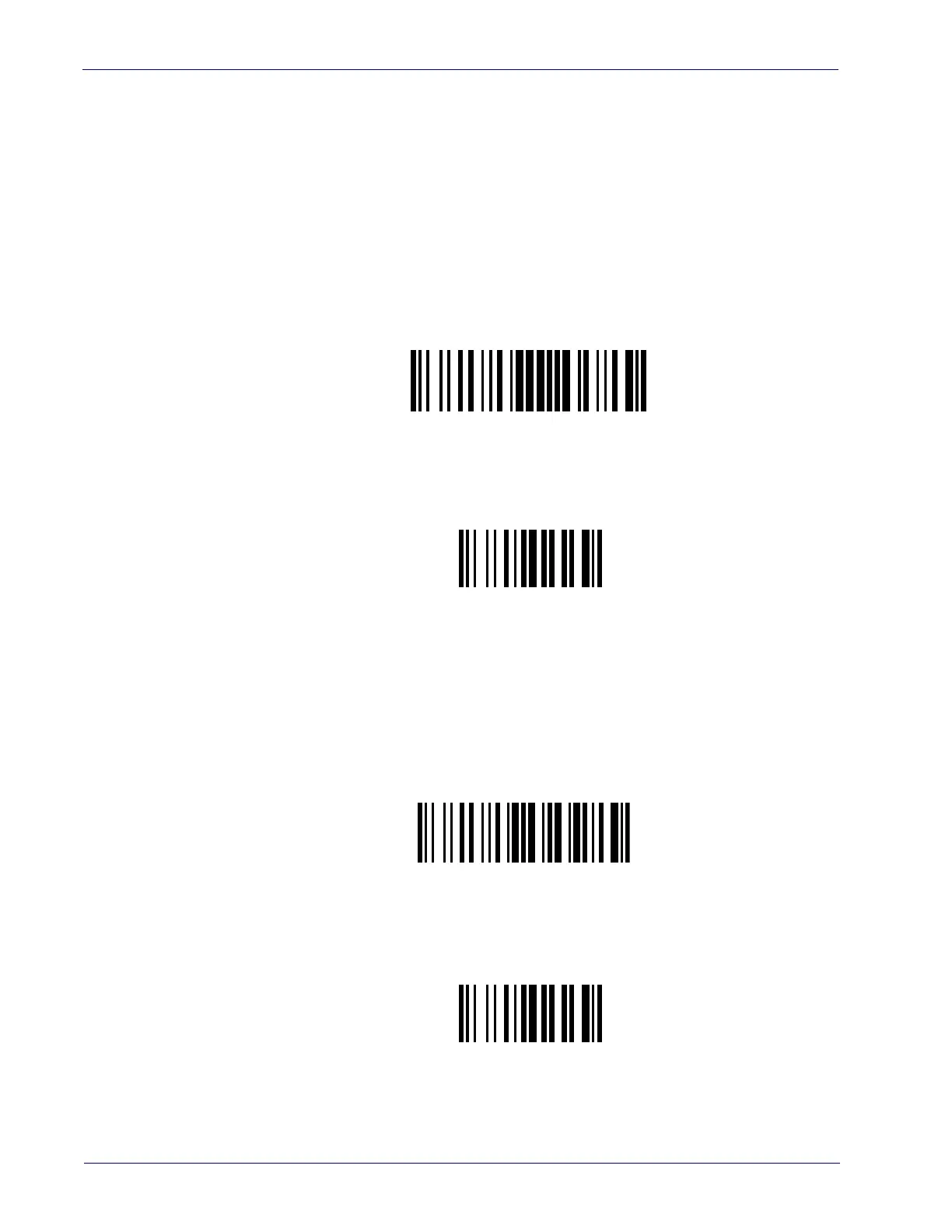
limit of radio range. The setting command has the form $+RPTxx$-, where xx is the timeout
period in seconds. Use these labels to configure the setting.
Scan codes from the table in "PowerScan™ Keypad" on page 69 to set the time. The default
value is 04 seconds (range: 02-25 seconds).
Transaction Timeout
The transaction timeout sets the length of time the base allows a scanner to complete the
transmission of data associated with a given control card once the data transfer has commenced.
A long timeout slows performance but is more robust when the scanner may be near the limit of
radio range. The setting command has the form $+RTTxxx$-, where xxx is the timeout
period in seconds. Use these labels to configure the setting.
Scan codes from the table in Appendix A to set the time. The default value is 60 seconds (range:
008-240 seconds).
Basket Inquiry Timeout
$+RPT
Exit Configuration
$-
Basket Inquiry Timeout
$+RTT
Exit Configuration
$-













 To Next Page