Gryphon Configuration
22
PreScan™ Queue-Busting System
Basket Operations
• Close open basket (close current session)
• Clear one item in open basket
• Clear all items in open basket
• Delete Open Basket
• Delete All Baskets
• Keep Empty Basket
• Open Basket Timeout
• Data Timeout On Inactivity
• Next Basket Session Prompt
• Prompt Before Deleting Basket
Close open basket (close current session)
An open basket can be closed by performing ANY of the following actions:
• Re-read the control card or loyalty card for the open basket
• Read a new control card or loyalty card (opens a new basket)
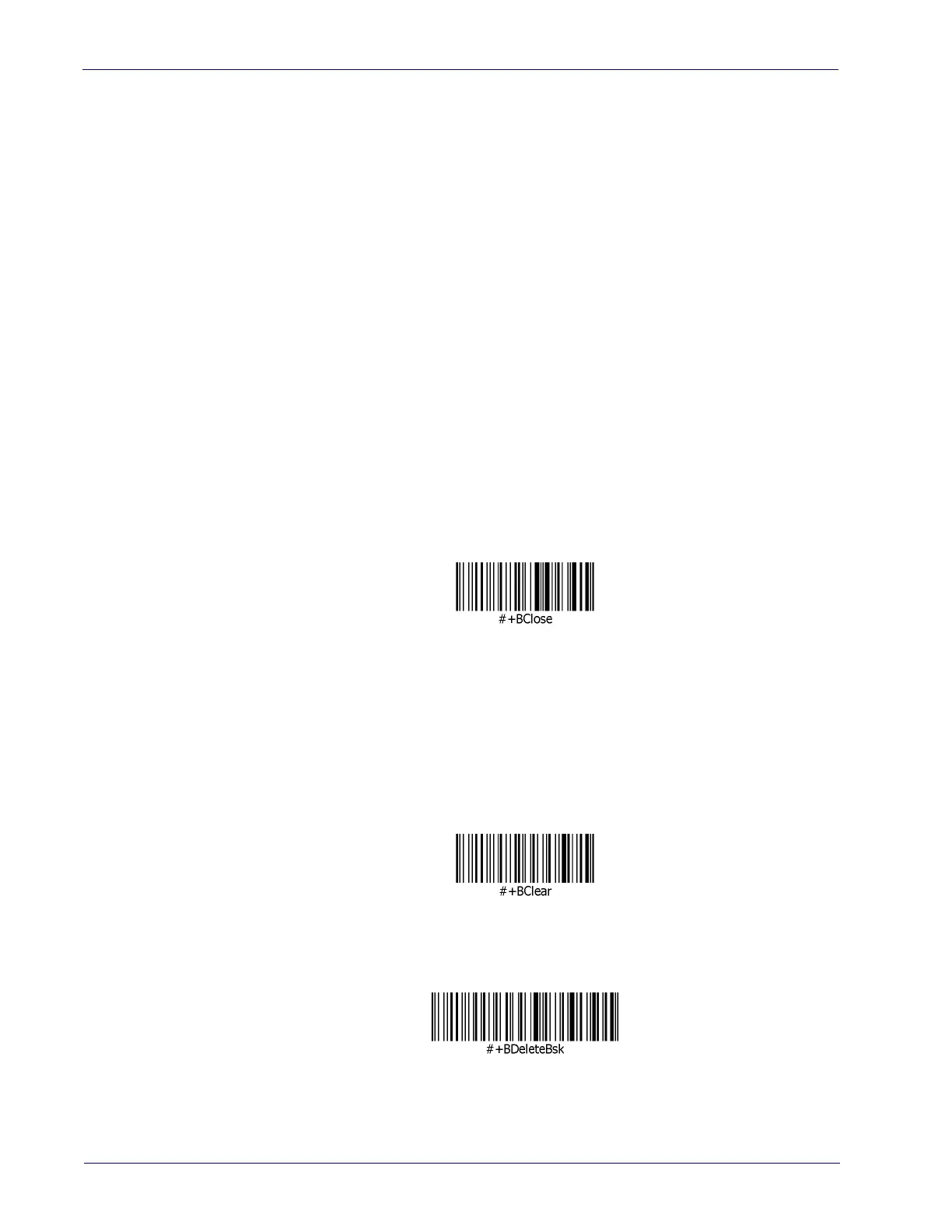
• Read the following program label (enforce system close basket). This label will close the
current basket without reading a control or loyalty card.
Clear one item in open basket
A single item in a basket can be deleted by pushing the "Yes" button while in browser mode or
basket open state (with just an item displayed on screen).
Clear all items in open basket
To clear all the items in a basket while leaving the basket open, scan the following programming
label. The operator can then reread items in the basket.
Delete Open Basket
Deletes the current session.













 To Next Page