Gryphon Configuration
28
PreScan™ Queue-Busting System
Prompt Before Deleting Basket
A basket will be deleted upon enaction of any of the following actions:
1. A data timeout has been enabled and the handheld has been inactive for the specified
time. The basket will automatically be deleted in the background. See Data Timeout On
Inactivity on page 25.
2. The Delete Open Basket label is scanned
3. All data is deleted from the Handheld (in PreScan mode).
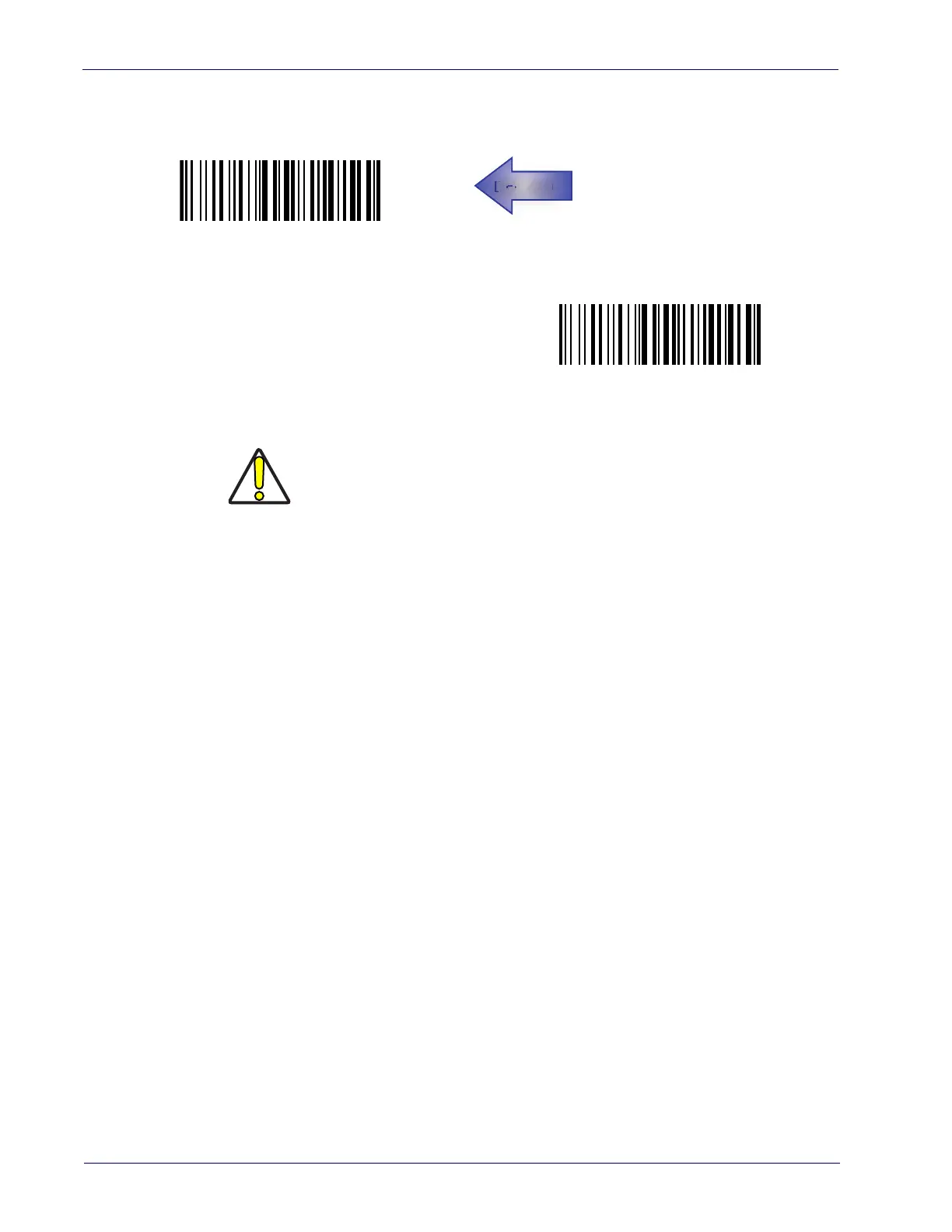
Delete with Notice
Delete without Notice
AU
CAUTION
The Delete with Notice prompt message is not in effect if the keypad is dis-
abled, even when this setting is ON. Use care to avoid the accidental dele-
tion of data. See
Keypad Enable/Disable on page 20 to enable Keypad.













 To Next Page