Gryphon Configuration
Advanced Configuration Guide
23
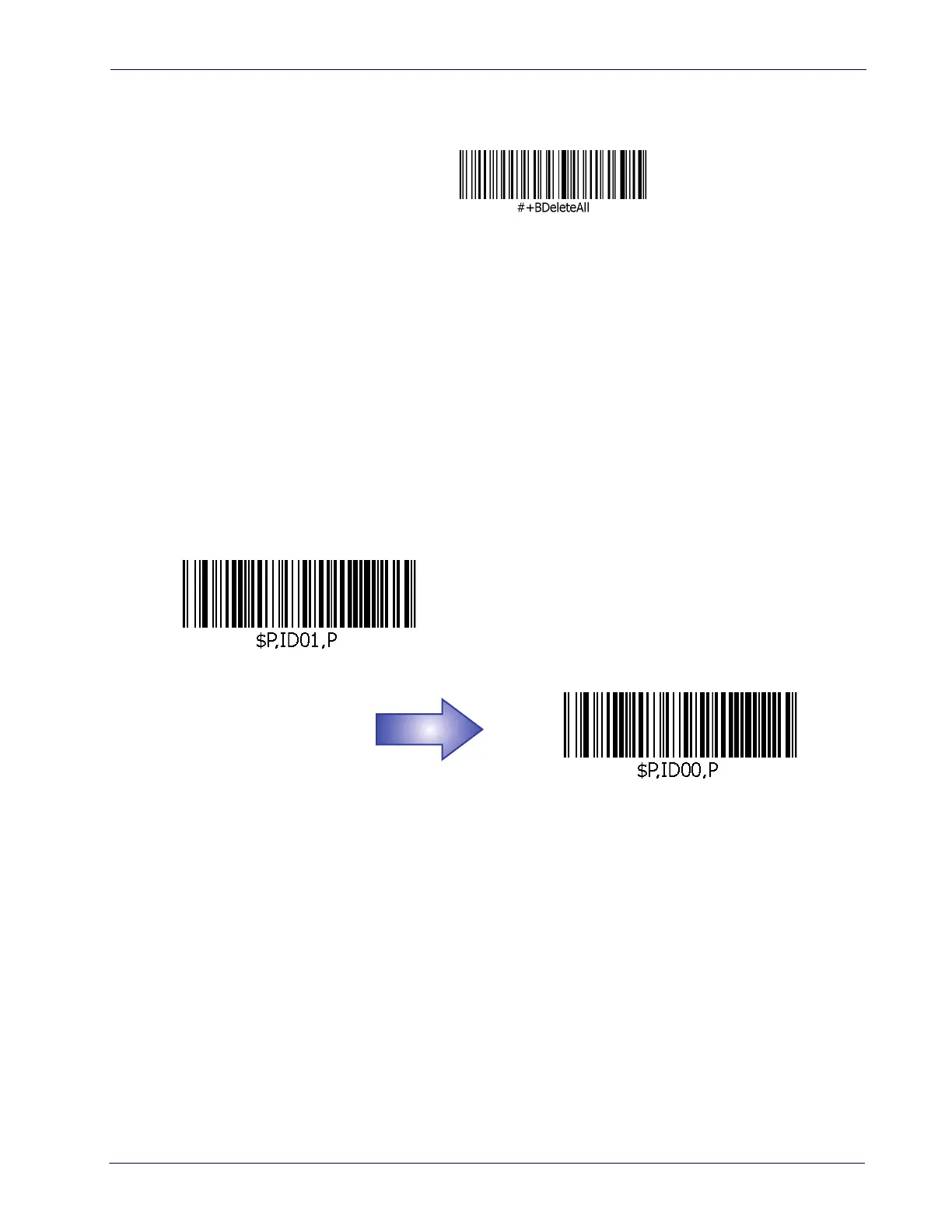
Delete All Baskets
This item deletes all baskets stored in the Gryphon.
Keep Empty Basket
Unless this feature is enabled, empty baskets are automatically deleted without notice in the
following instances:
1. The Gryphon has an empty basket and a recall message to match with that empty basket
is archived.
2. Create a new basket (open basket), then close without adding items to that basket.
3. Clear items in an open basket, then close it.
There may be cases where an empty basket is open but may need to be superceded by something
else with higher priority. If enabled, the Gryphon can save the empty basket, which can later be
recalled so scanning can resume.
Allow Empty Basket (Enable)
Do Not Allow Empty Basket (Disable)
DEFAULT
DEFAULT













 To Next Page