AP20 Installation and Operating Guide Page 16
AP20 Installation & Operating Guide Document # 9301H39200 Ver. 1.25
1.3 Powering ON the AP20 Processor
Turn ON the main power switch on the rear panel, then press the front panel power button. A “hard
boot” (cycling the power at the power entry module on the rear panel) typically takes the system one
minute and 15 seconds to initialize. A “soft boot” (pressing the power button on the front panel when
power has not been cycled) typically takes about 20 seconds.
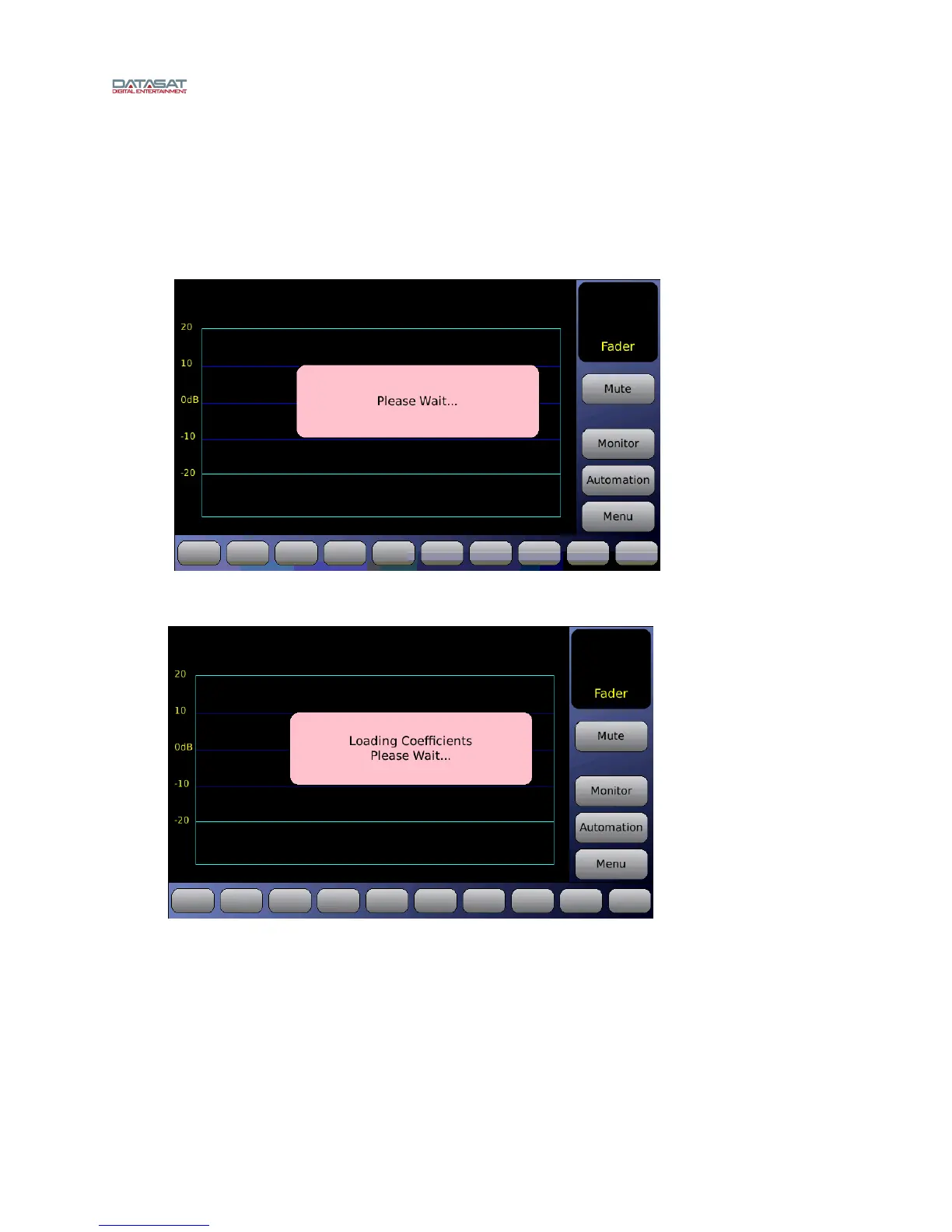
While the system is initializing, the following messages will appear on the AP20 touch screen.
Figure 2. Initial screen
Figure 3. Loading Coefficients...



 To Next Page