AP20 Installation and Operating Guide Page 17
AP20 Installation & Operating Guide Document # 9301H39200 Ver. 1.25
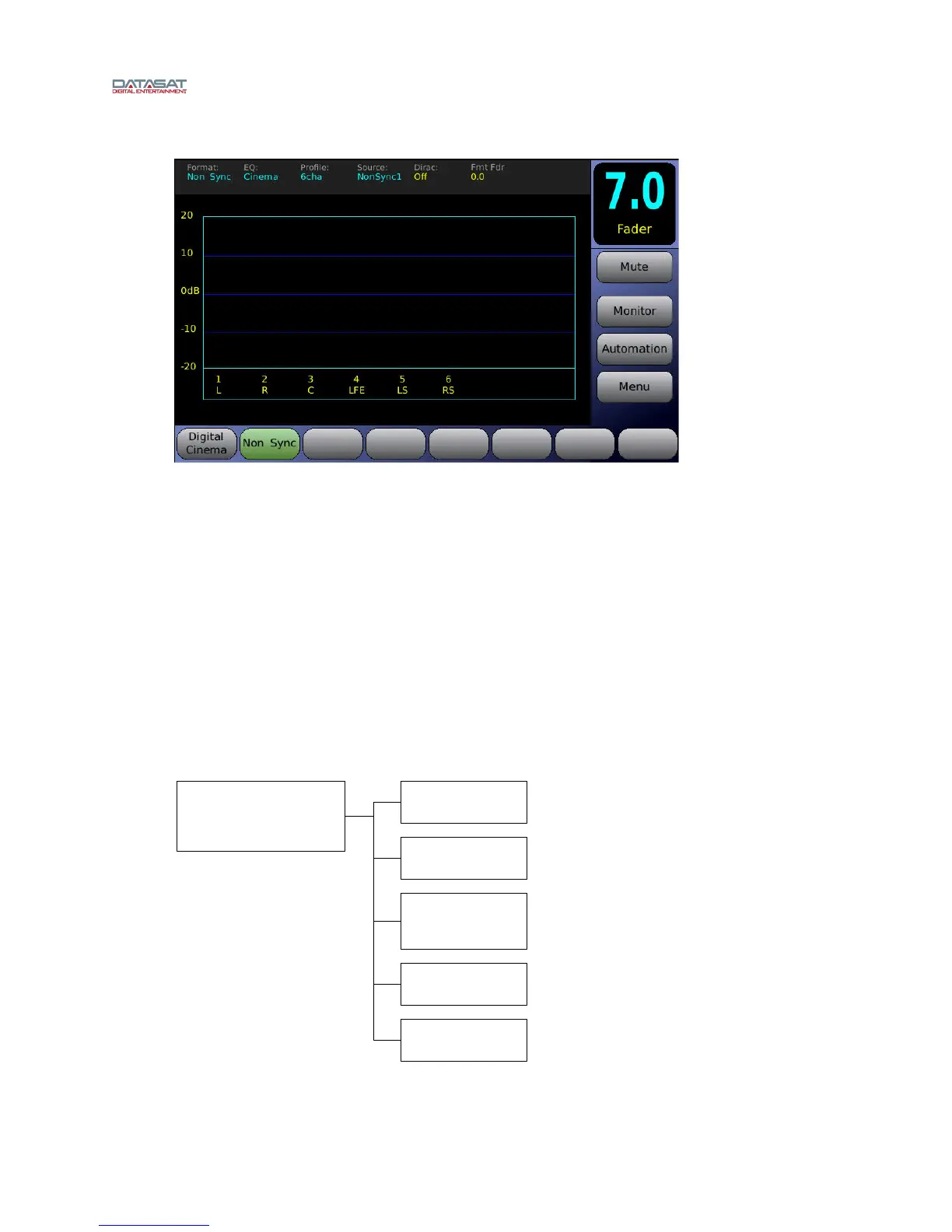
When the screen messages in the box disappear and the fader value appears, the AP20 is ready.
Figure 4. Home Screen
5 If no messages appear on the touch screen after you have turned on the power switch, check the
following:
Is the power to the sound rack on? Has the circuit breaker to the audio rack been tripped?
Is the power cable connected?
Is the front panel power switch lighted?
Navigating through the Menus
Since the AP20 is equipped with a touch screen display, you can navigate easily through the menus by
touching any button with your finger. A non-abrasive stylus that will not scratch the screen can also be
used if you prefer.
In all screens but the Home screen, you will be presented with a button menu along the bottom of the
screen. This menu will take you to any other screen within the menu structure with a few touches of your
finger.
Home (Main)
Fader (readout)
Mute (Fader)
Monitor
Volume Control and
Mute
Automation
Manual Control
Select Format
8 buttons on bottom of
screen
Figure 5. Operations Menus



 To Next Page