AP20 Installation and Operating Guide Page 20
AP20 Installation & Operating Guide Document # 9301H39200 Ver. 1.25
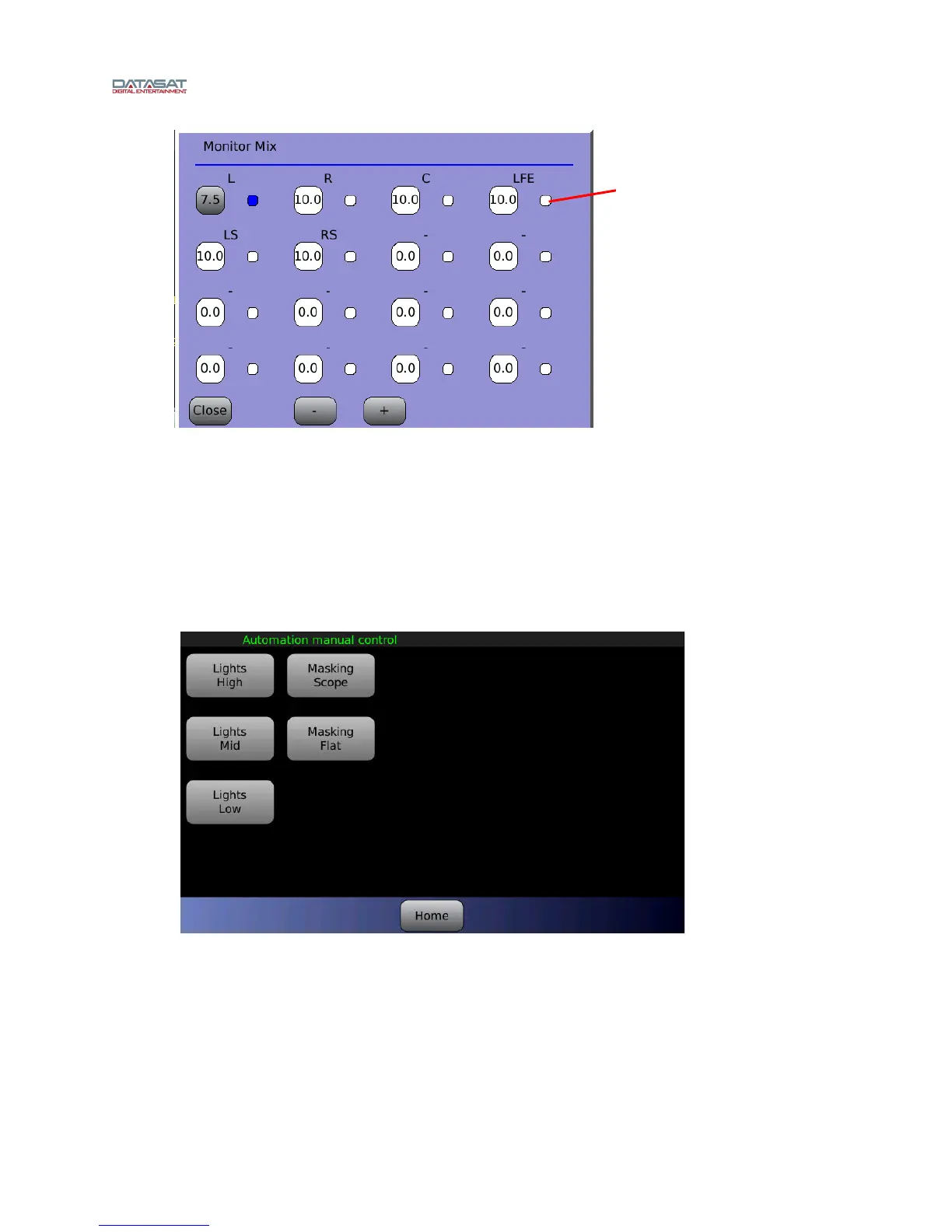
Figure 9. Monitor Mix
Select channel(s), then touch the + or – button to adjust volume from 0 to 10.
Touch the small button next to a channel to select it for monitoring.
Touch Close to close the Mix window. It also closes automatically after 25 seconds of
inactivity.
1.4.3 Manual Automation
The Automation button opens the automation manual control screen.
Figure 10. Automation Manual Control screen
This screen allows for direct control of automation events. These are setup by the theater technician. A
maximum of twenty buttons can be assigned. If no buttons are visible, or there is a need for additional
buttons, please contact your theater service technician.
For details about using macros see the topic Macros, page 98.
Touch the small button
to select a channel for
monitoring



 To Next Page