AP20 Installation and Operating Guide Page 48
AP20 Installation & Operating Guide Document # 9301H39200 Ver. 1.25
System
Setup
Home (Main)
Fader (readout)
Mute (Fader)
Monitor
Volume Control, Mute, Mix
Automation
Manual Control
Menu (System)
Select Format
(8 buttons on bottom of
screen. Green button =
current selec ion)
Formats Network Automation
Screensaver Time
10 seconds, 1 Minute
or 5 minute
Screensaver Mode
Disabled
Dim Screen
Graphic
Black screen
Digital Out ClockRate
48kHz, 96kHz or
192kHz
Output Mapping
Standard 16 Ch Out
Copy Ch1-8 to Ch9-16
Fader Control
Global
Format
LCD Brightness
Update System
Software
USB Save/
Restore
Access Control
View Log file
System Info
Select Update Source:
Main Server
Secondary Server
USB
Save on USB
AP20 Configuration
Master Configuration
Diagnostic Information
Load from USB
AP20 Configuration
Master Configuration
ScreenSaver
NetCmd Password
Setup Password
ReLock Setup
“Expert” Nav Mode
VNC: Disable Hex ile
Encoding
Iden ity
Software version, Serial number,
MAC Address, circuit board
temps, board ID info
See pages 2 & 3 See page 5 See page 5
Setup:
System
System
Update
USB
Log File
Info
Network
Access
Format
Formats
Source
AssignBt
GlobDel
ExtSurr
Mic Level
NS Level
Decoder
Optical
Film Setup
Bass Enh
DC Opts
E
Q
s
E
Q
s
D
i
r
a
c
1/
3
o
c
t
P
a
r
a
m
t
c
C
o
p
y
E
Q
Le
ve
l
s
P
r
o
f
i
l
e
O
u
t
P
r
st
C
h
N
a
m
e
s
R
o
u
t
i
n
g
C
h
D
e
l
a
y
s
A
u
t
M
acr
o
s
E
v
e
n
t
s
B
u
t
t
on
s
S
e
r
i
a
l
T
e
st
2
2
When “Expert” navigation mode is enabled, the normal menu structure is replaced with a setup screen providing quick access to main
menu buttons. Disable to return to normal menu structure.
“Expert” System
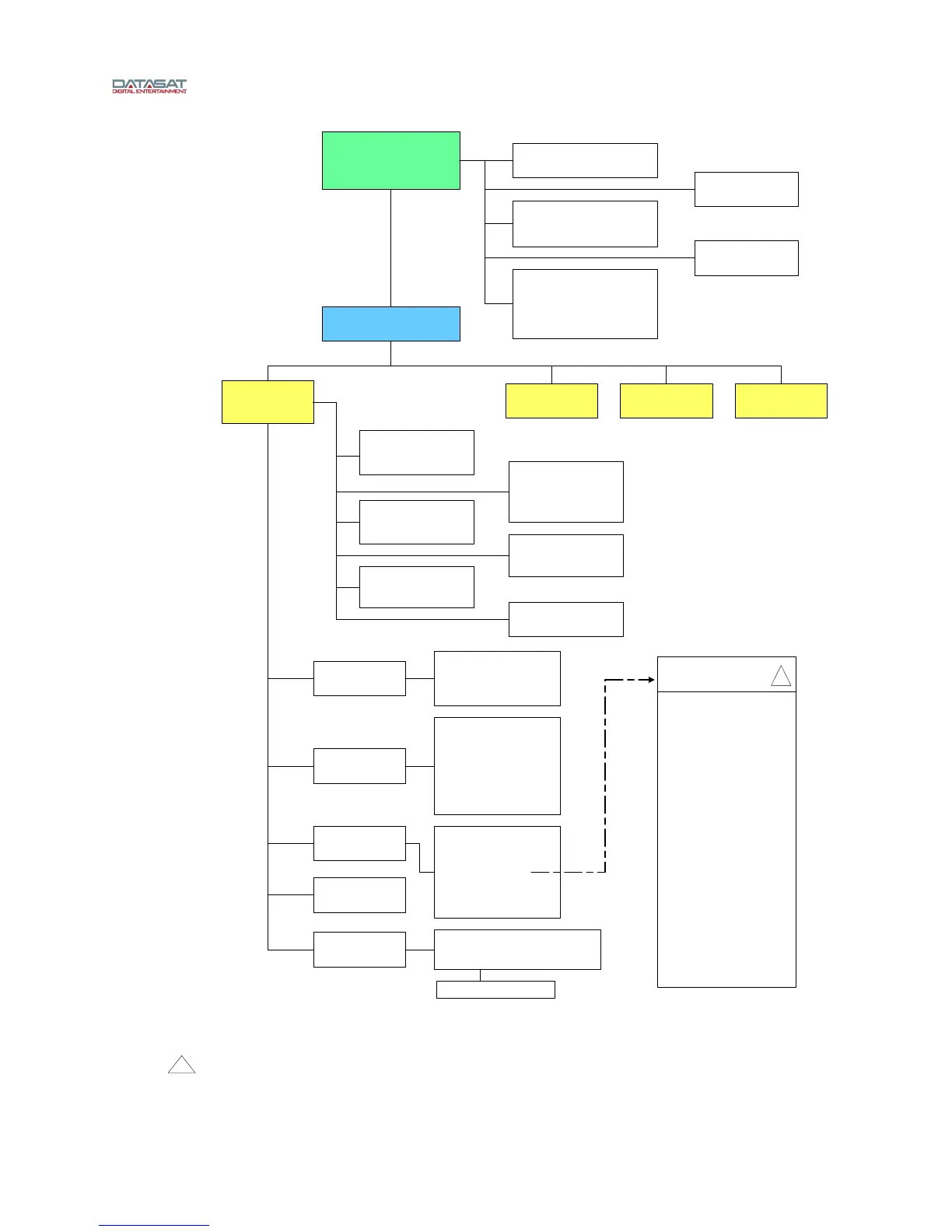
1. Navigating the menus: When AP20 is first powered the home screen will appear The “Menu” button will access the “System Setup” screen After
navigating through sub-menus, selecting the “System” button will return you to the “System Setup” screen
Selecting “Home” from a sub-menu will return to the home screen If “Menu” is then selected, the AP20 will return to the last selected sub-menu
The “Back” button works like an internet browser, and may be used to return through the history of previously selected sub-menus
Notes:
AP20 Menu Structure
Software V1.04.00 and above
(Page 1)
Board voltage levels



 To Next Page