AP20 Installation and Operating Guide Page 49
AP20 Installation & Operating Guide Document # 9301H39200 Ver. 1.25
Home (Main)
Menu (System)
Formats
Current Audio Format
(select)
Edit Formats
Copy Format
Copy Preset to Format
Rename Format
Delete Format
Assign Buttons
Format Button
Assignments
(Up to 8 may be assigned)
Enable “More” Button
Input Source
(Select from digital or
analog audio sources)
Modify parameters for
current format
Format Options
Audio EQ
Setup
Current Audio
EQ/Setup
Edit EQs
Copy EQ
Copy Preset to EQ
Rename EQ
Delete EQ
Dirac Optimization
(if installed)
Third Octave EQ
Parametric
Equalization
Channel Select
Chan (select from 1-16)
- (previous Ch)
+ (next Ch)
Pink Noise On/Off
1/3 Oct EQ On/Off
Input
LineIn / LineOut /
Mic
RTA Options
Level Slider
Bass Slider
Treble Slider
Channel Select
(1-16)
Pink Noise On/Off
Input
LineIn / LineOut /
Mic
Filter
1, 2, or 3
Filter Enabled/Disabled
Freq (Hz)
Q
Gain (dB)
Channel
Profile
See page 3
Startup Format
(select)
Graphical 3rd
Octave EQ
See page 3
Audio Levels
Copy/Clear EQ
Copy EQ Settings
Clear EQ on selected Ch.
Clear EQ on all Chs.
Range
(+/- 3dB, 6dB, 12dB,
24dB, 48dB, 64dB)
XCurve
(Off, Display, Offset)
Averaging
(None, Continuous,
Manual)
Mic Level
Mic Power On/Off
Pink Noise On/Off
(1-16)
Analog Level (dB)
(1-16)
Invert On/Off
(1-16)
Ch Mute On/Off
(1-16)
Master Mute On/Off
Pink Noise Multi
Ch
On/Off
Digital Volume
Enable/Disable
Offset
Master Fader
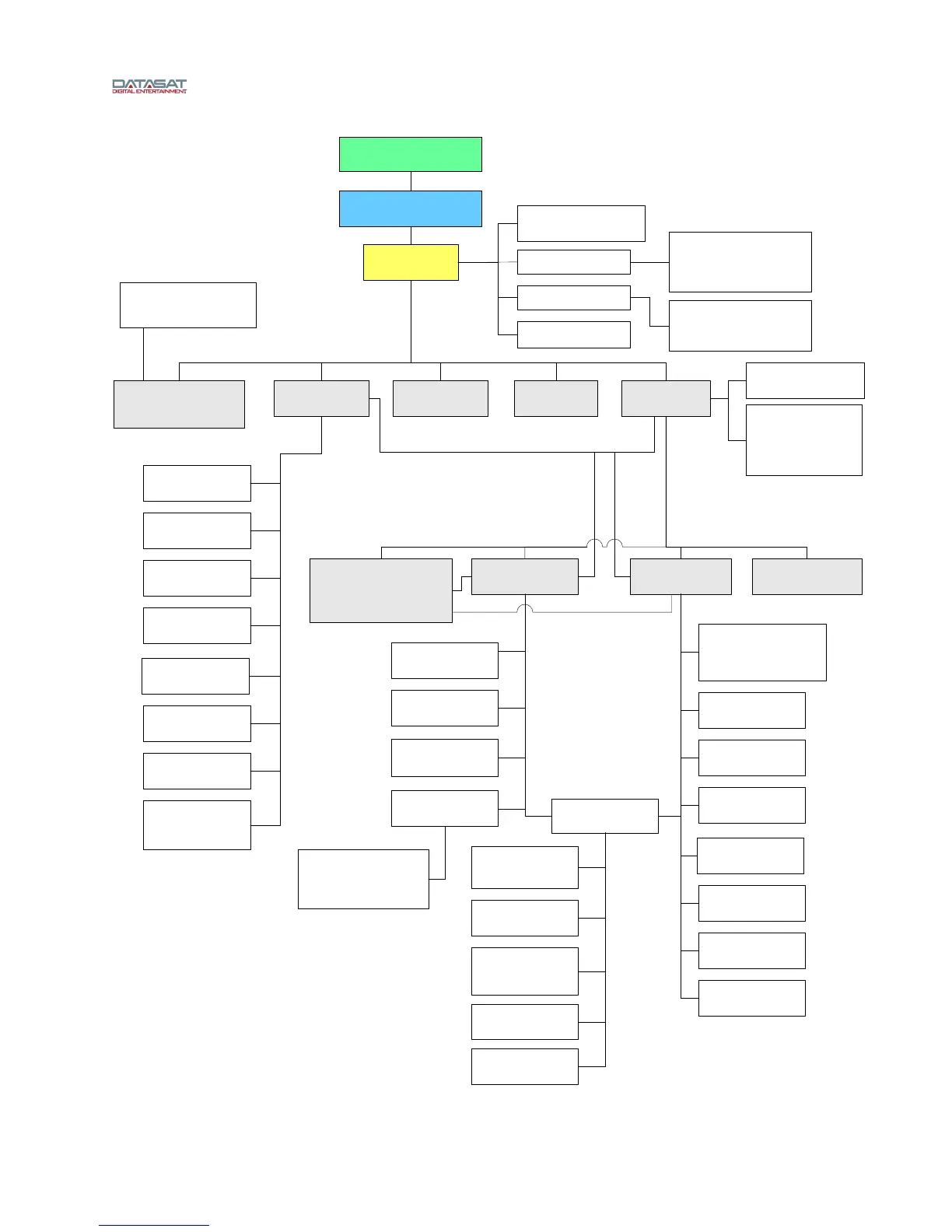
AP20 Menu Structure
Software V1.04.00 and above
(Page 2)
Mic Power on/off (select)
when Nonsync 1 or 2, Mic Pre are
input source



 To Next Page