AP20 Installation and Operating Guide Page 19
AP20 Installation & Operating Guide Document # 9301H39200 Ver. 1.25
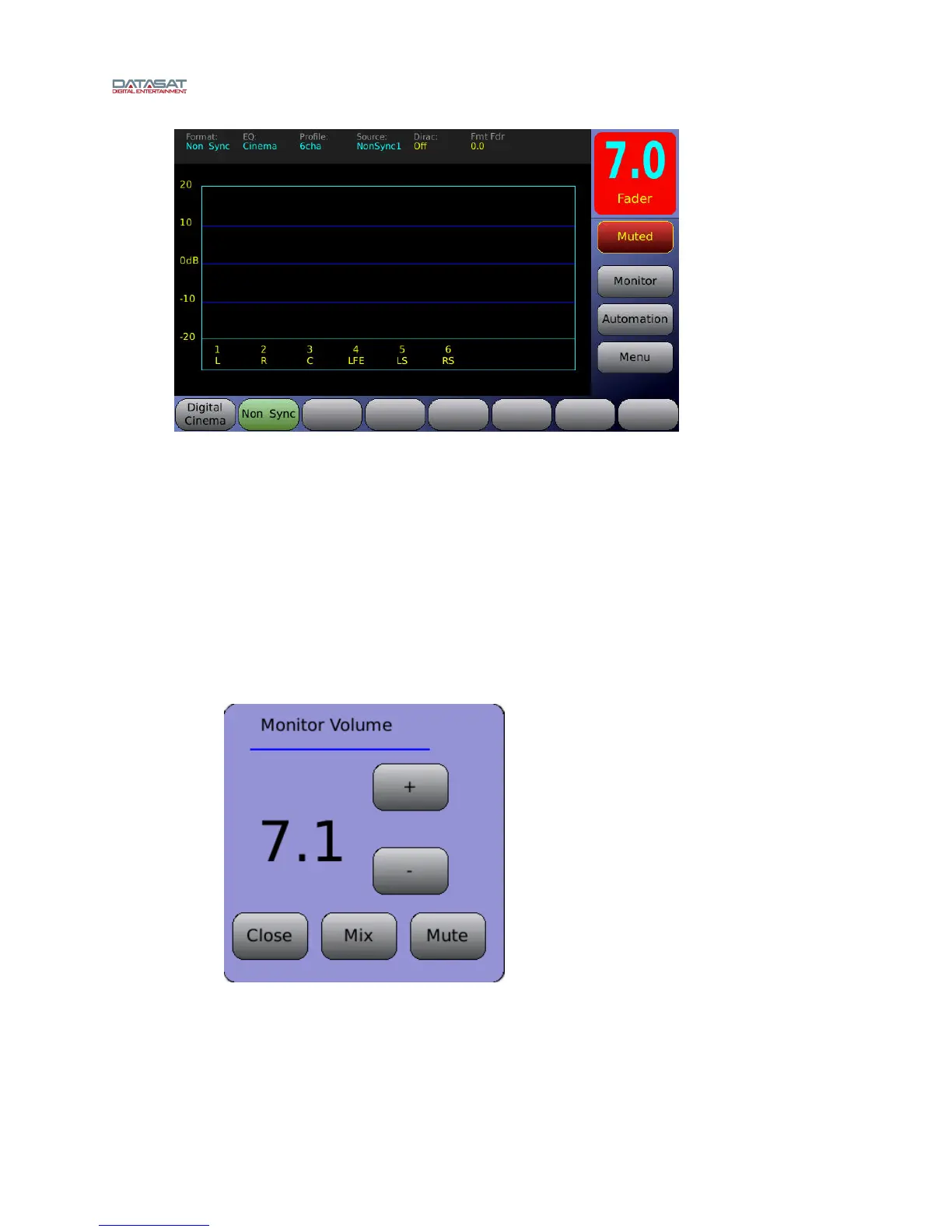
Figure 7. Fader Muted
1.4.2 Booth Monitor Volume
When an external powered speaker is connected to the AP20, the level can be controlled using the
monitor volume. To adjust the booth monitor volume, touch the Monitor button. The screen shown in
Figure 8 will appear. Touch the + or – buttons to raise or lower the volume.
Touch the
Mute button to mute/un-mute the booth monitor.
Touch the Mix button to select a channel and adjust the volume from 0 to 10. See Figure 9,
below.
Touching
the Close button
will close this screen. The Monitor Volume window will close if
not used within 25 seconds.
Figure 8. Monitor Volume



 To Next Page