AP20 Installation and Operating Guide Page 64
AP20 Installation & Operating Guide Document # 9301H39200 Ver. 1.25
The blue portion on the first screen displays board information such as board ID, Address,
hardware revision level, loader version, loader check-sum, firmware version, and firmware
check-sum.
The blue portion on the second screen displays the expected and actual bus voltages for
each board. It is normal for the actual level to vary slightly from the expected. The
background color for the expected and actual values will turn red should the actual voltage
be out of the acceptable range.
4.3 Formats
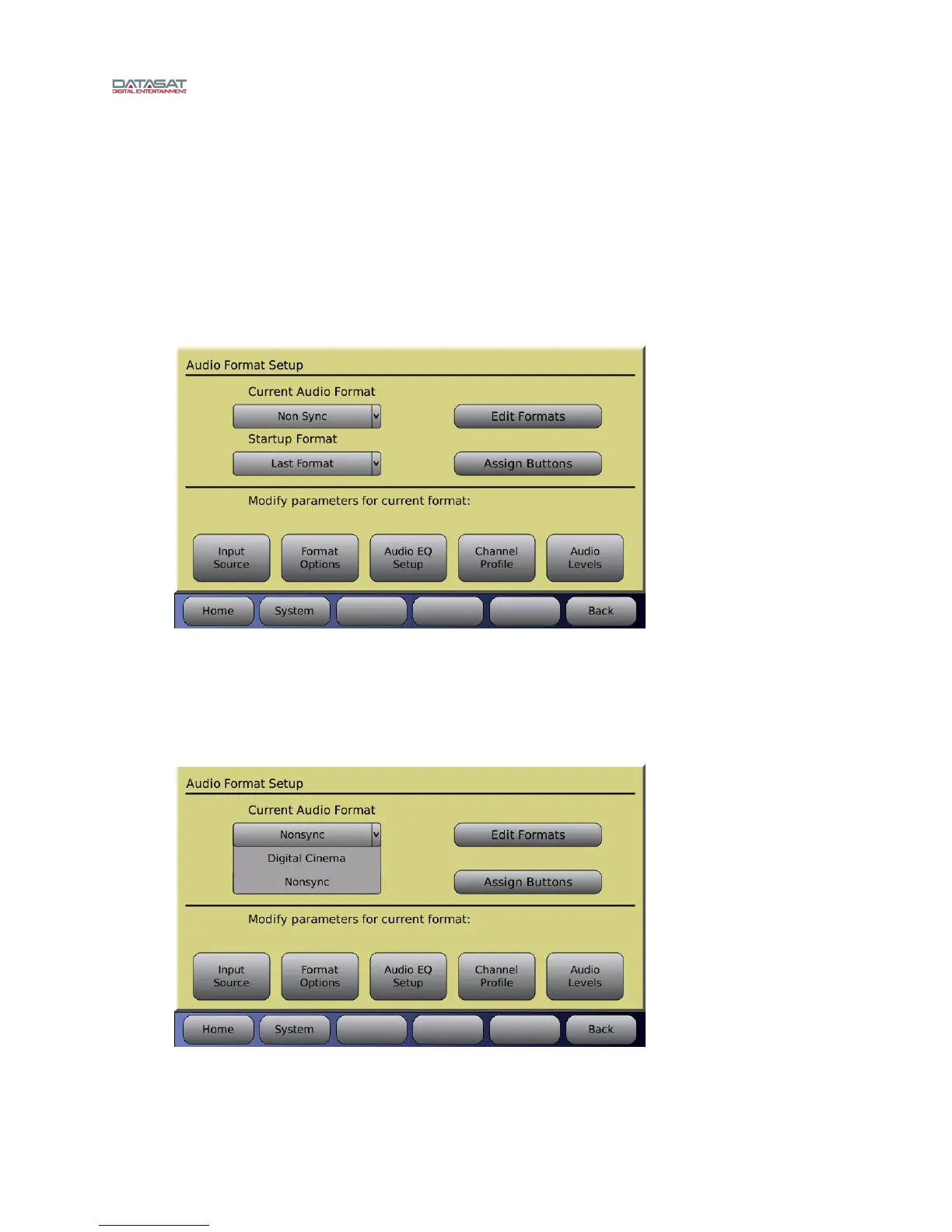
Menu (System) > Formats
Figure 36. Audio Format Setup Screen
4.3.1 Current Audio Format
Select the format you wish to modify from the drop-down list of installed formats. Touch the drop down
list to open it, then use the adjustment knob to scroll the list in cases where there are several formats.
Touch the format name to select it. This will become the current format.
Figure 37. Select Current Audio Format



 To Next Page