AP20 Installation and Operating Guide Page 67
AP20 Installation & Operating Guide Document # 9301H39200 Ver. 1.25
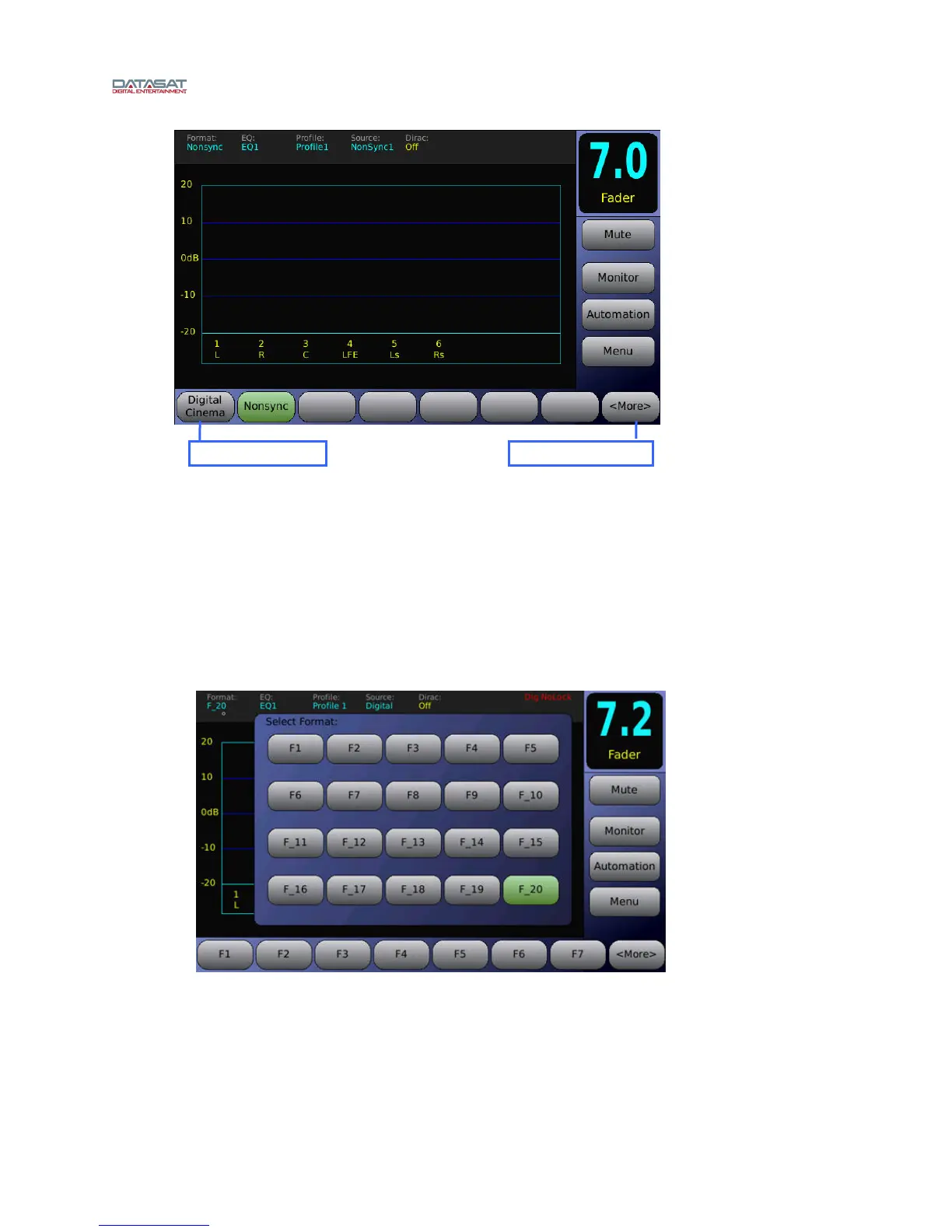
Figure 41. Home Screen Format Button Locations
4.3.4.1 Enable “More” Button
When the Enable “More” Button is not selected, the
Home screen will display the eight
assignable format buttons on the bottom of the screen (see Figure 41). When the Enable
“More” Button is selected
, format buttons 1-7 will be displayed and button 8 will display
<More>. Selecting the <More> button brings up a pop-up window which allows you to select
from all formats.
Figure 42. Home Screen <More> Format Select
Button location 1 Button location 8



 To Next Page