H
ARDWARE
I
NSTALLATION
Phone Modem Connection
8
A Few Notes About Phone Modem Connections
If you indicate a phone modem connection when setting up your station (see
“Serial Port” on page 20), the software automatically dials the station whenever
you attempt to initiate a program action which requires the software to “talk” to
the WeatherLink.
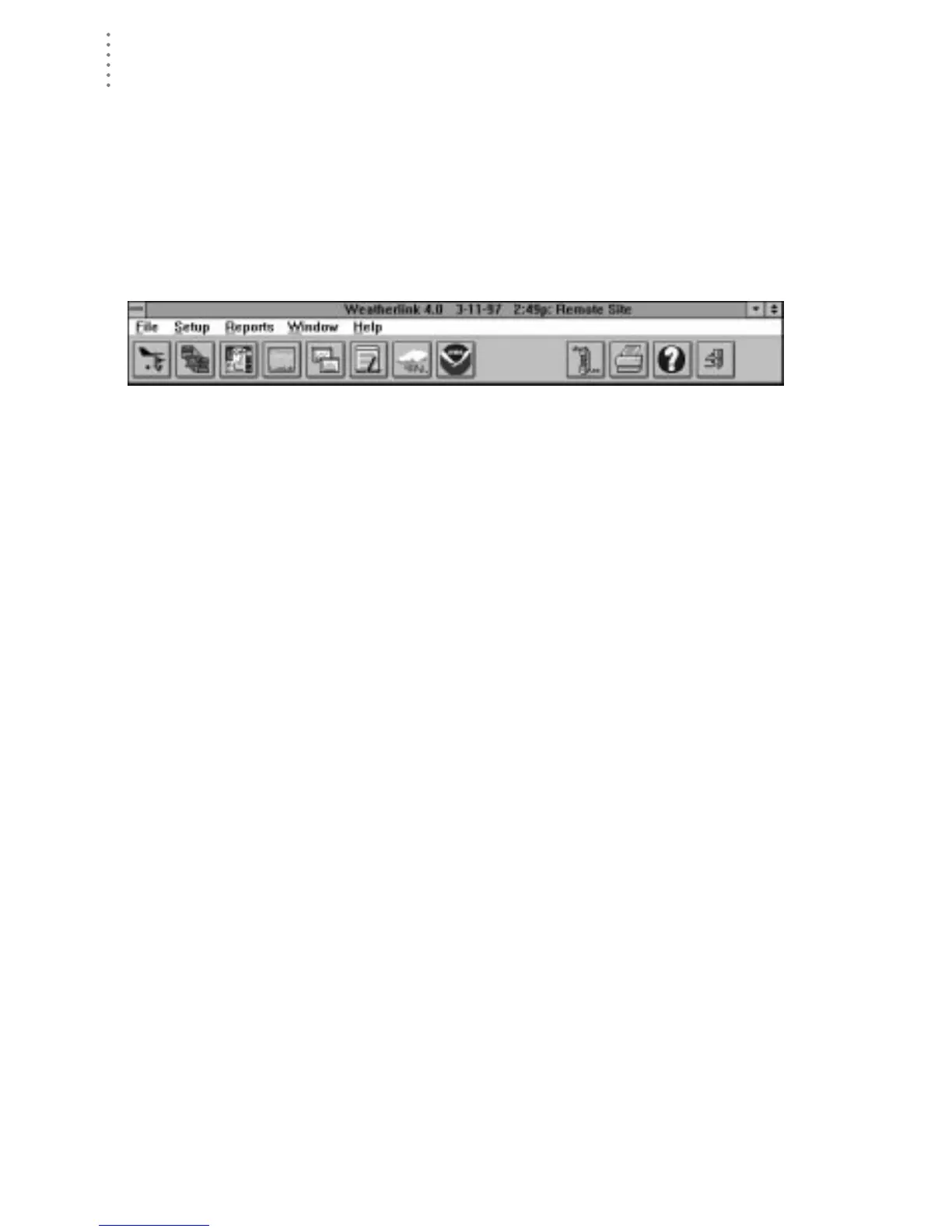
While connected to a phone modem station, an “On-Line” icon appears in the
toolbar. This icon indicates that you are on-line and may be used to hang up a
remote connection. To hang up, choose the On-Line icon from the toolbar or
choose Hang Up from the File menu.
T
OOLBAR
WITH
O
N
-L
INE
I
CON
Once connected, the software will remain on-line until you choose to hang up.
The software remains on line whether or not you are doing something which
requires it to be connected.
Note:
If you are on-line at the time of a schedule automatic download, the automatic download is
cancelled.





 To Next Page