U
SING
THE
S
OFTWARE
File Menu
16
Delete Station
You may delete a station from the software quickly and easily. Deleting a station
removes the station directory and subdirectories from your hard disk.
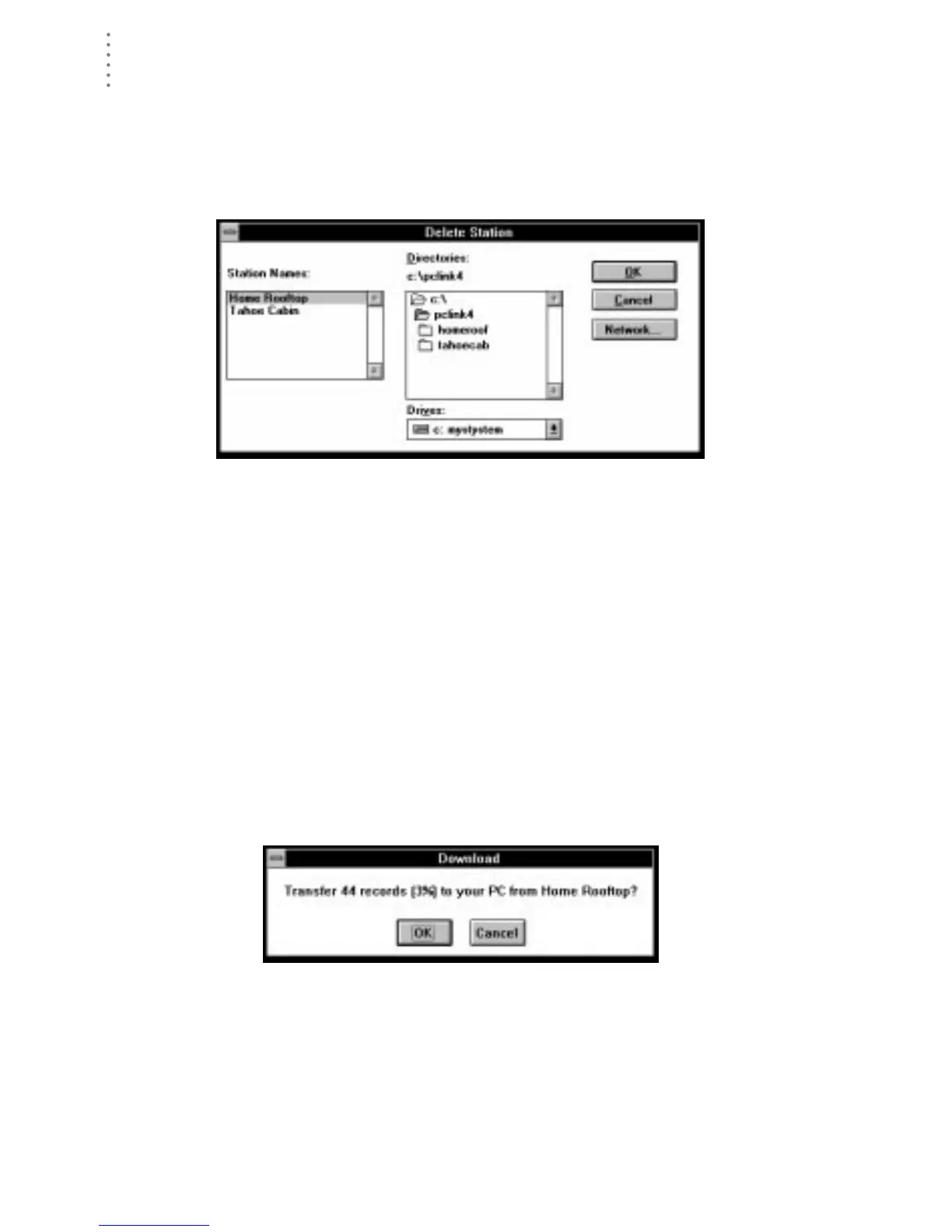
1. Choose Delete Station from the File menu.
The Delete Station dialog box appears.
D
ELETE
S
TATION
2. Select a station from the list box on the left and choose OK.
You will be prompted to confirm that you want to delete the station.
3. Choose OK to confirm the deletion.
The software deletes the station and all related files.
Download
Downloading allows you to transfer weather data from the WeatherLink’s archive
memory to the database stored on your computer’s hard disk. For information on
the difference between the data in your archive memory and the data in your
database, see “Archive Memory vs. Database” on page 91.
1. Choose Download from the File menu or choose the Download icon from the toolbar.
The software will show you how much information is currently saved in the
archive memory (as a number of records and as a percentage of the archive
memory’s capacity), and prompt you to confirm that you wish to download.
D
OWNLOAD
C
ONFIRMATION





 To Next Page