USING THE SOFTWARE
Using the Browse Window
63
Export Records
You may export record information to a tab delimited export file which can be
used in most database, spreadsheet, or word processing programs.
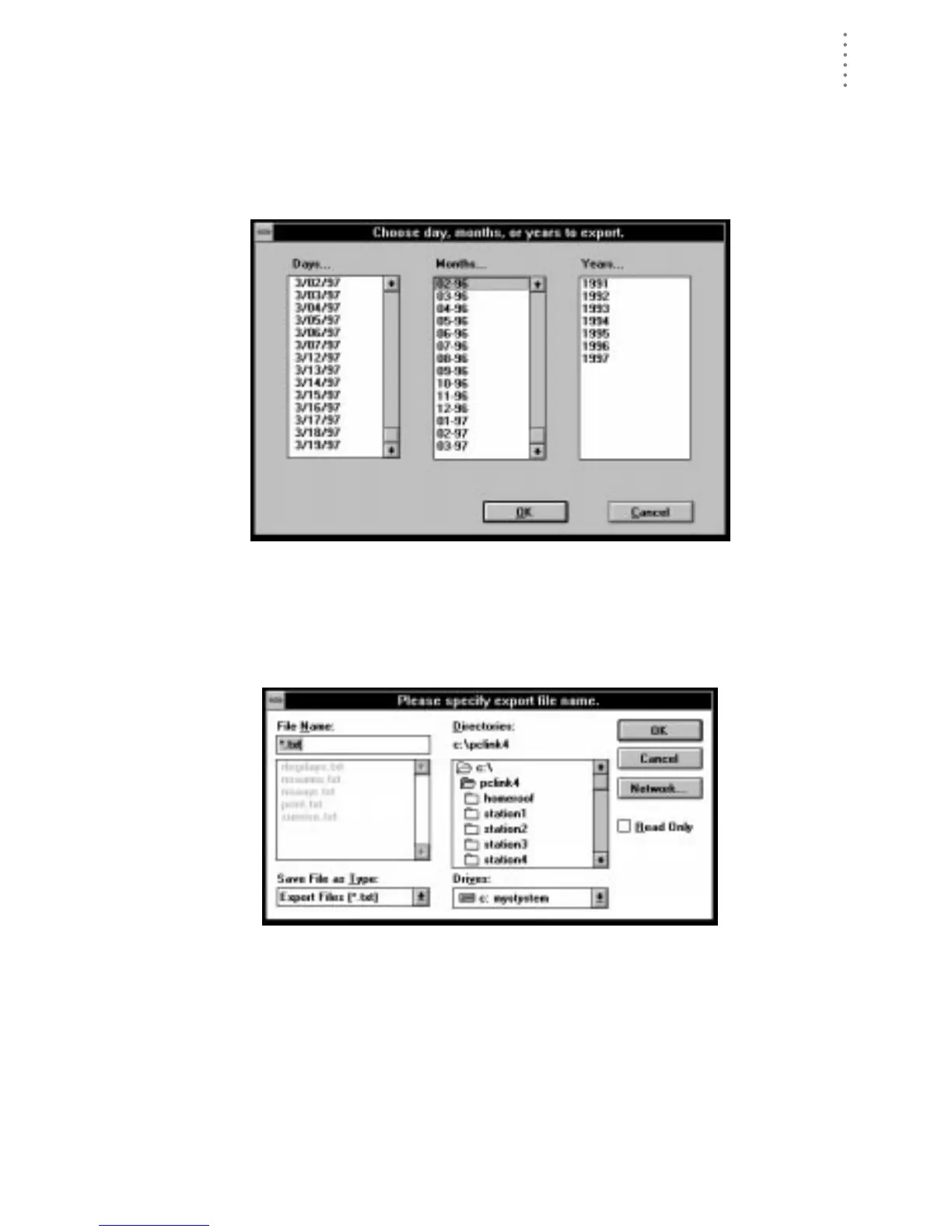
1. To export records, choose Export from the Browse menu.
The software prompts you to select the records you want exported.
C
HOOSE
R
ECORDS
TO
E
XPORT
2. Select the desired days, months, or years (you may choose more than one) and choose
OK.
The software prompts you to enter an export file name.
3. Enter the desired file name and choose OK.
E
NTER
E
XPORT
F
ILE
N
AME
The software saves all record information for the selected days, months, or
years (in tab delimited format) into the export file. You may use this file to
import data into most popular database, spreadsheet, and/or word process-
ing programs.





 To Next Page