USING THE SOFTWARE
Reports Menu
36
NOAA Summarize Month
The software can automatically generate a report similar to monthly NOAA
weather watcher reports using the information in your database and NOAA
Setup information (see “NOAA Setup” on page 34).
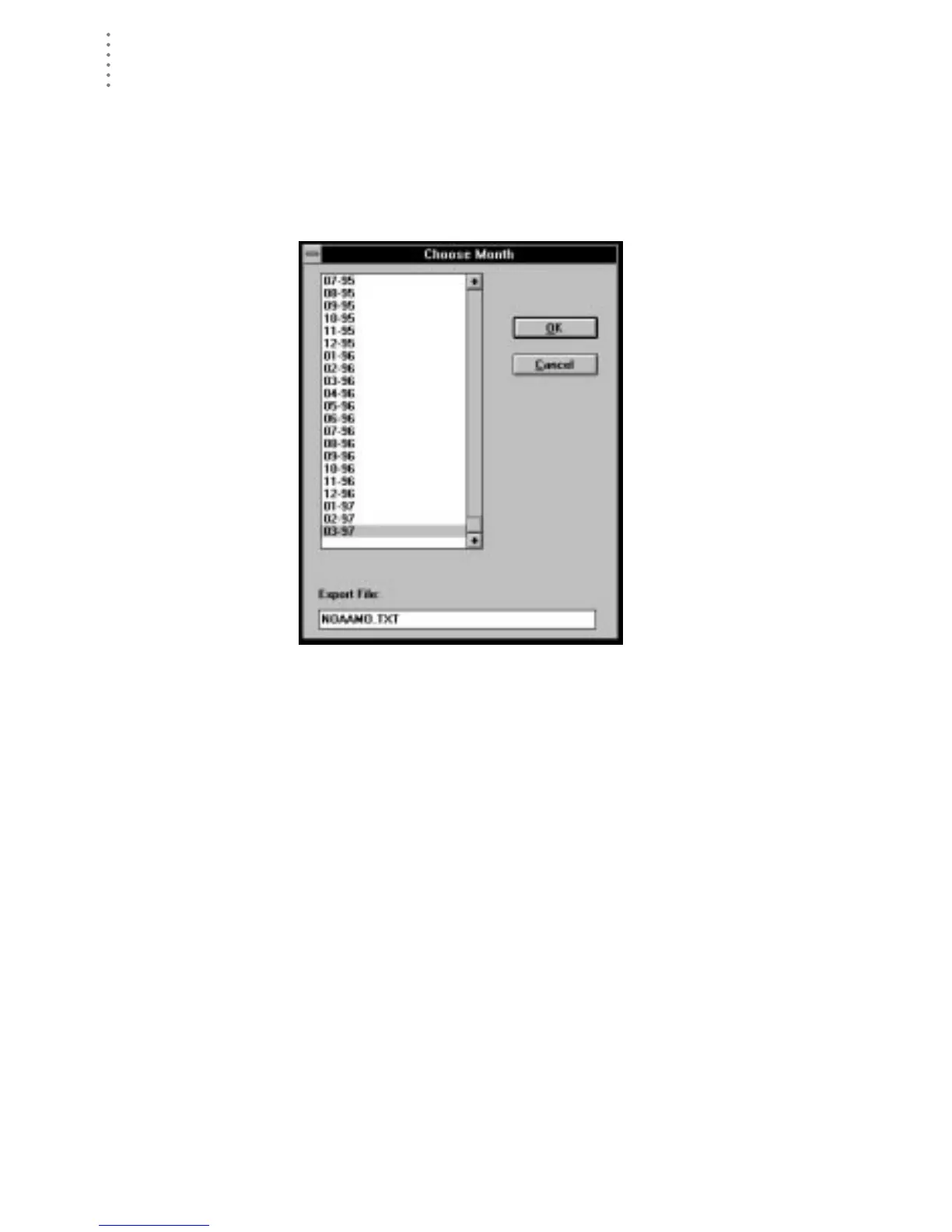
1. Choose NOAA Summarize Month from the Reports menu.
The Choose Month dialog box appears.
C
HOOSE
M
ONTH
2. Select a month from the list.
3. Enter the desired file name into the Export File text box.
Whenever you create a monthly summary, the software automatically saves
an export file (ASCII text) which contains the report information. You may
enter the desired file name in this text box or you may use the default file
name.





 To Next Page