USING THE SOFTWARE
Reports Menu
50
Chilling Requirement
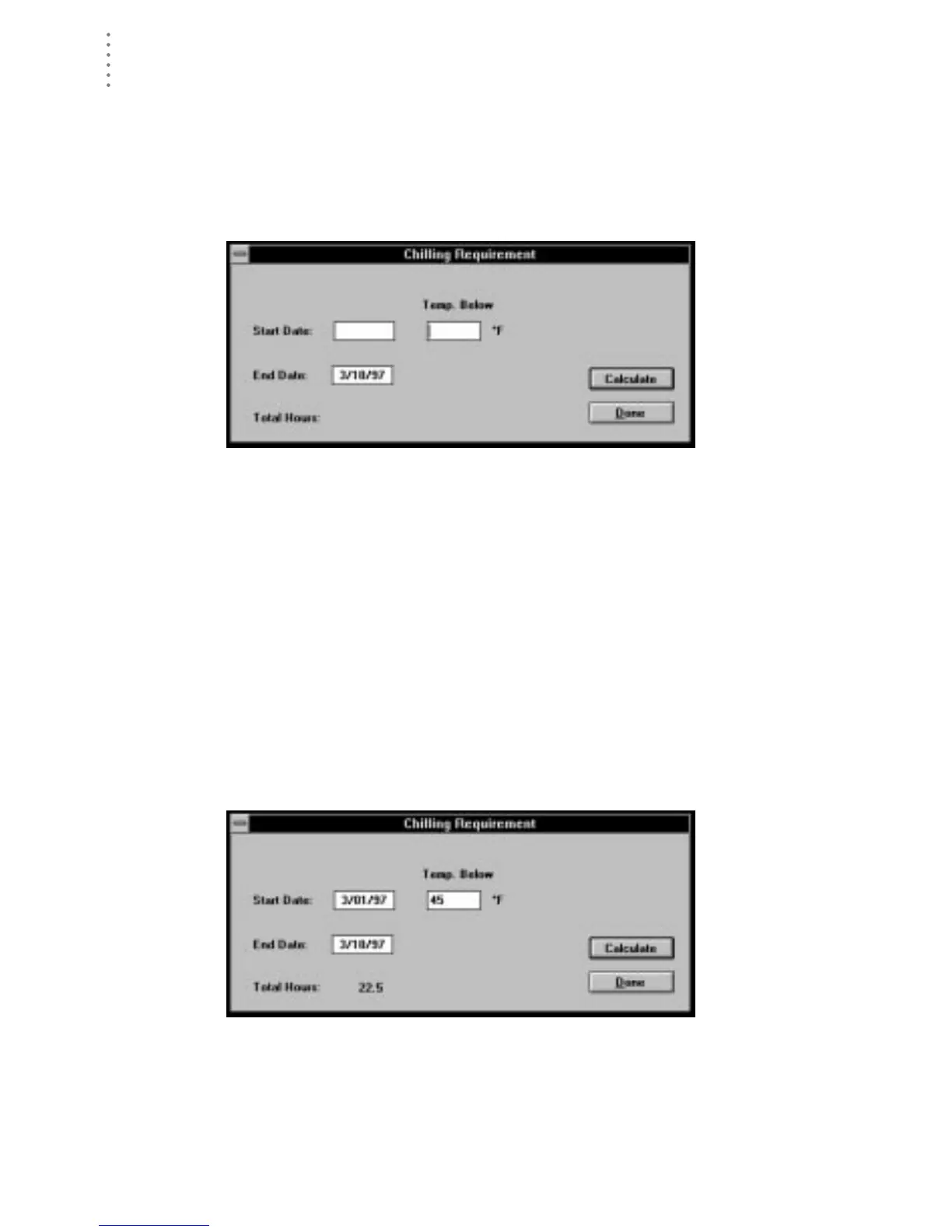
You may calculate chilling requirements by entering a start and end date and a
temperature threshold. See “Chilling Requirement” on page 97 for a description
of Chilling Requirements.
1. Choose Chilling Requirement from the Reports menu.
The Chilling Requirement dialog box appears.
C
HILLING
R
EQUIREMENT
2. Enter the following information:
▲ Start Date
Enter the starting date for which you want chilling requirement calculated
into the text box.
▲ End Date
Enter the ending date for which you want chilling requirement calculated
into the text box.
▲ Temp. below
Enter the temperature below which you want chilling requirement calcu-
lated.
3. When finished, choose Calculate.
The software calculates chilling requirement for the selected period and dis-
plays that information at the bottom of the dialog box.
C
HILLING
R
EQUIREMENT
C
ALCULATED
(22.5 H
OURS
)
4. To exit, choose Done.





 To Next Page