USING THE SOFTWARE
Using the Plot Window
70
View Details
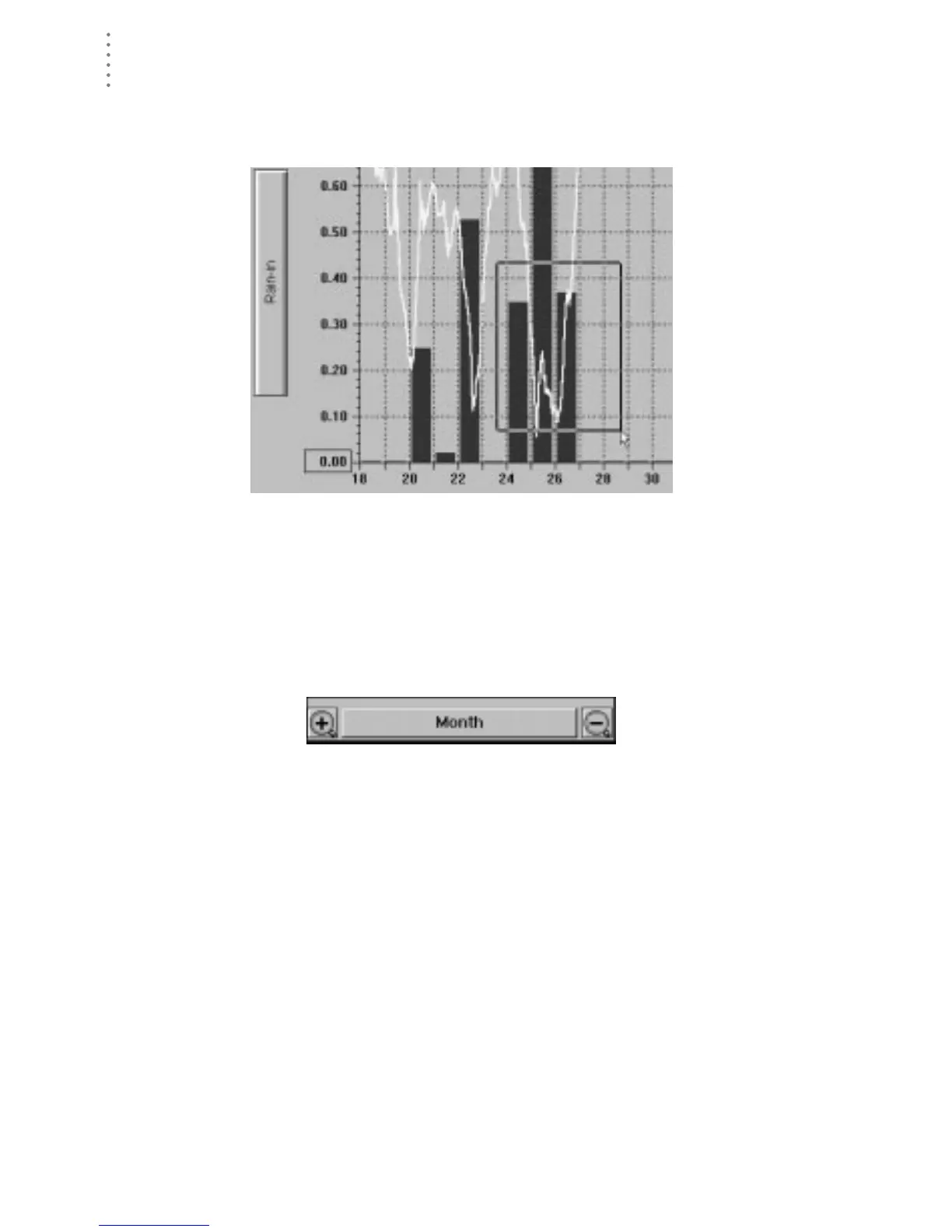
Click and drag to select a portion of the plot you wish to see in detail. The soft-
ware will zoom in on that section of the plot, using the closest possible plot span.
C
LICK
AND
D
RAG
TO
S
ELECT
Zoom In/Out
To “zoom in” one plot span (for example, to go from a plot span of a Week to a
plot span of 3 Days), click on the Zoom In icon, press F3, or choose Zoom In from
the Plot menu. To “zoom out” one plot span (for example, to go from a plot span
of 3 Days to a plot span of a Week), click on the Zoom Out icon, press F4, or
choose Zoom Out from the Plot menu.
Z
OOM
I
N
& Z
OOM
O
UT
I
CONS





 To Next Page