USING THE SOFTWARE
Degree-Days
88
Opening a Degree-Days Total
You may open a previously saved degree-day total to edit information, add notes,
view degree-day totals, etc.
1. To open a degree-day total, double click on the desired total or select it from the list
and choose Open.
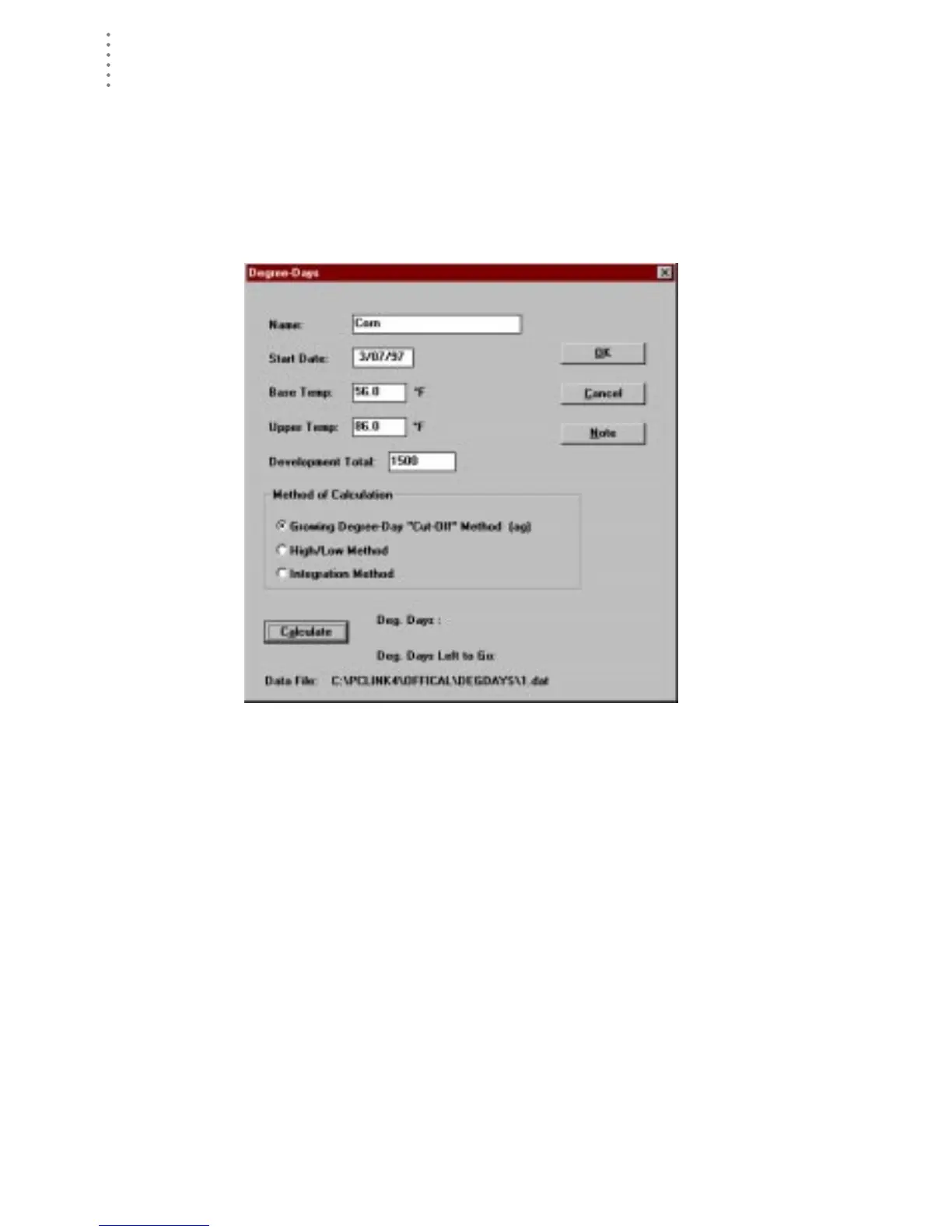
The Degree-Day Definition dialog box for that total appears. At the bottom of
the dialog box, the name of the data file for this degree-day totals is displayed.
D
EGREE
-D
AY
D
EFINITION
2. You may enter or change any information, add notes, or calculate degree-day totals as
explained in “Adding a Degree-Day Total” on page 85.





 To Next Page