USING THE SOFTWARE
Degree-Days
87
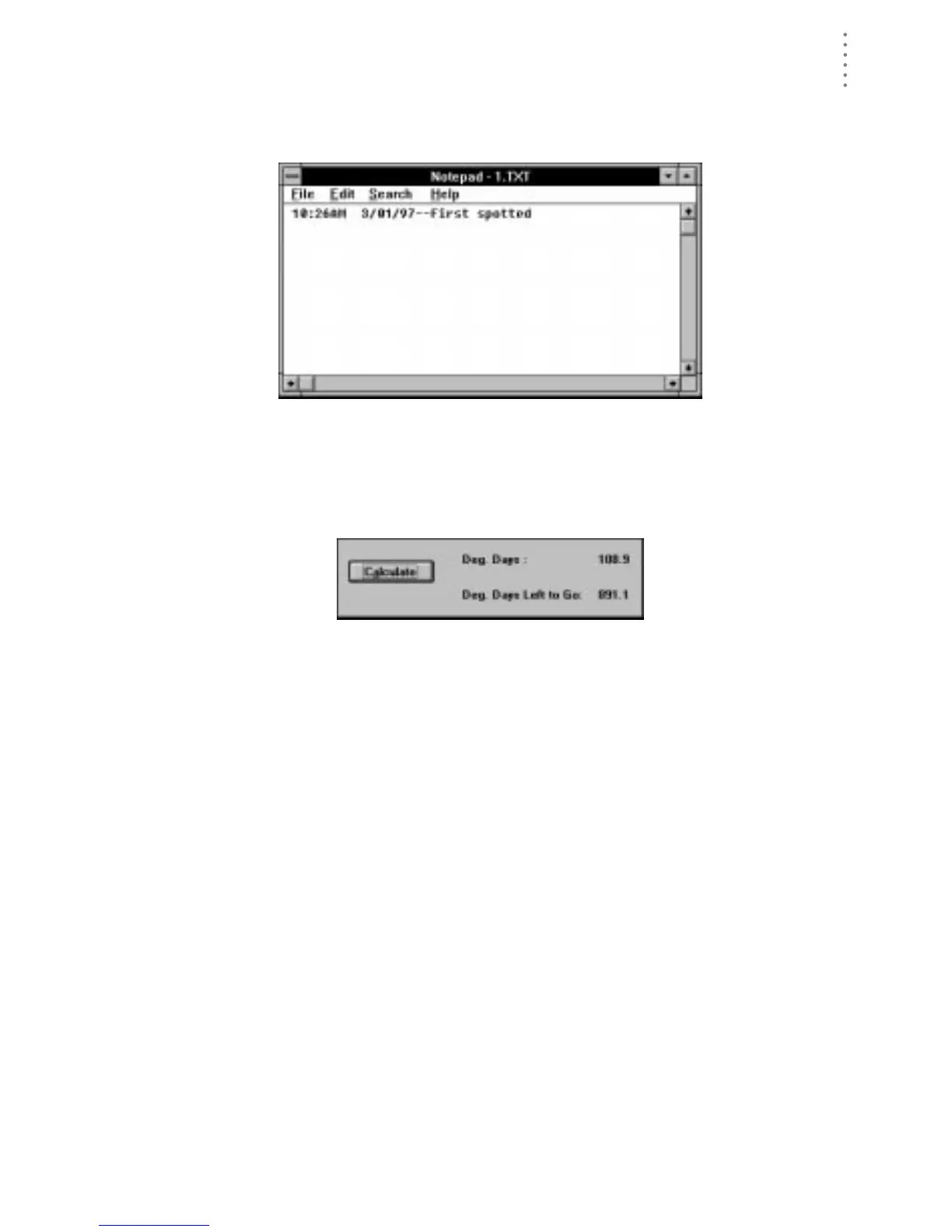
3. To add a note to this degree-day total, choose Notes.
The software opens the note file for this degree-day total. You may enter any
desired notes into this file.
N
OTE
F
ILE
4. To view total degree-days since the start date, choose Calculate.
The software calculates the total degree-days since the start date and displays
the number of accumulated degree-days and the degree-days left until the
development total is reached.
D
EGREE
-D
AYS
C
ALCULATED
5. After entering all necessary information, choose OK.
The software saves the degree-day information for this crop/pest. Instead of
closing, the PC degree-day definition dialog box remains open so you can
enter information on the next crop/pest. When finished entering information
for all crops/pests, choose Done.





 To Next Page