USING THE SOFTWARE
Reports Menu
34
4. When finished, choose OK.
The software saves your Auto Fax settings.
REPORTS MENU
The Reports menu contains commands which allow you
to quickly generate reports using (in most cases) data in
your database. Each of the commands is explained sepa-
rately below.
Printing Reports
To print any of the reports generated by the software,
choose Print from the File menu, click on the Print icon
in the Toolbar, or press Ctrl-P.
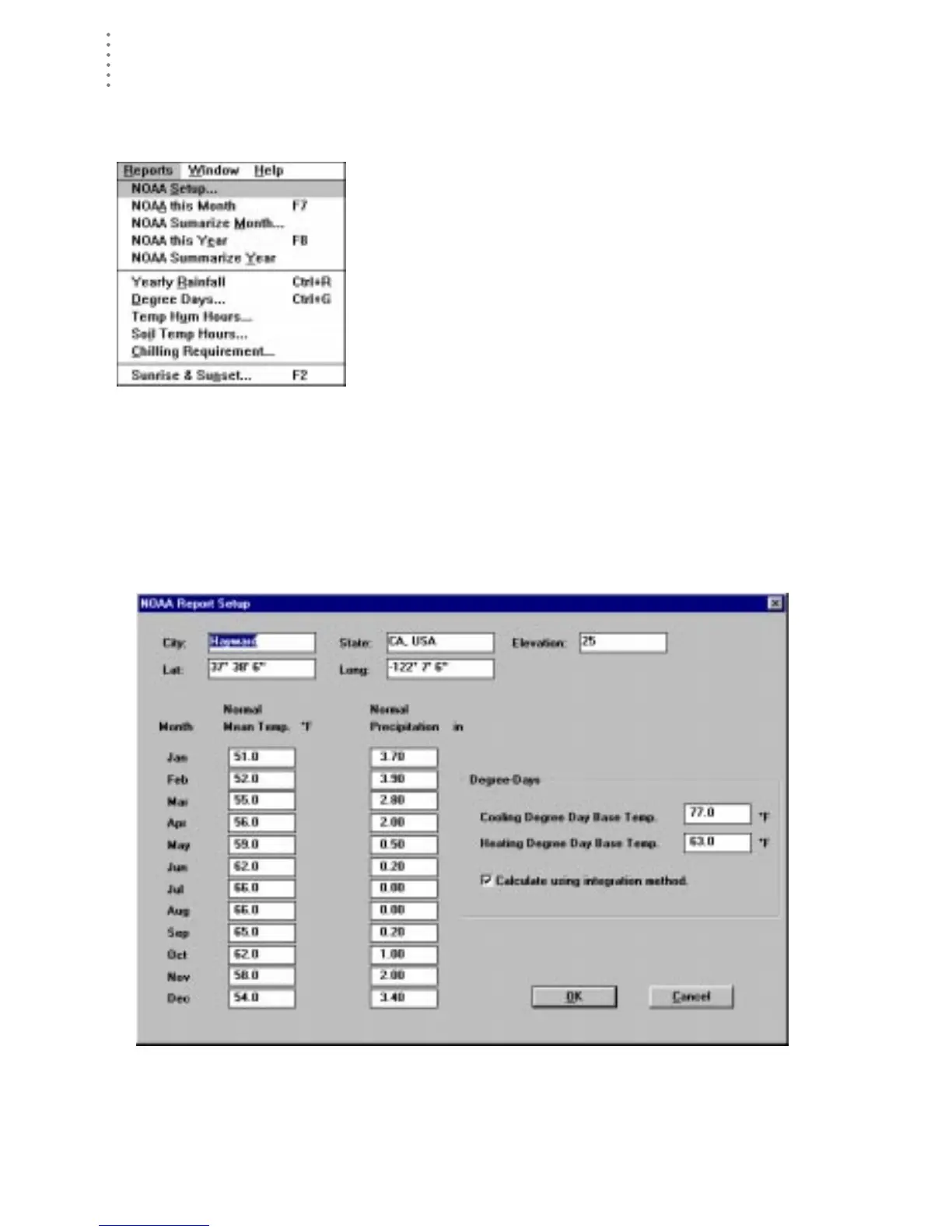
NOAA Setup
The software will automatically generate reports similar to Monthly and Yearly
NOAA (National Oceanic and Atmospheric Administration) ”weather watcher”
reports. Enter all necessary setup information using NOAA Setup, and the reports
can be calculated in seconds.
1. Choose NOAA Setup from the Reports menu.
The NOAA Report Setup dialog box appears.
NOAA R
EPORT
S
ETUP
2. Enter the following information:
▲ City
Enter the city name into the text box.





 To Next Page