USING THE SOFTWARE
Reports Menu
48
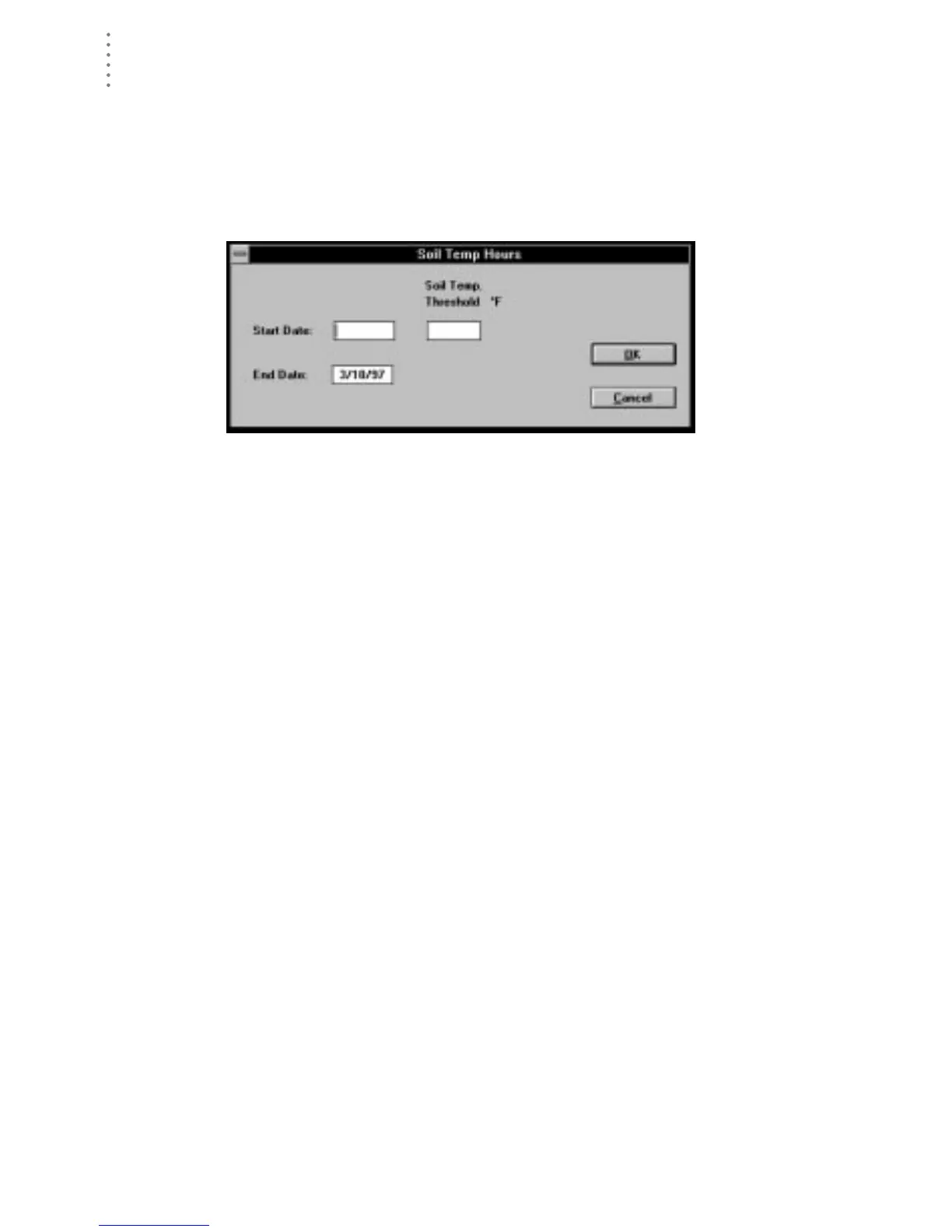
Soil Temp. Hours
You may track the number of hours soil temperature is above a certain threshold.
See “Soil Temperature Hours” on page 98 for a description of soil temperature
hours.
1. Choose Soil Temp Hours from the Reports menu.
The Soil Temp Hours dialog box appears.
S
OIL
T
EMP
H
OURS
2. Enter the following information:
▲ Start Date
Enter the starting date for which you want soil temperature hours calcu-
lated into the text box.
▲ End Date
Enter the ending date for which you want soil temperature hours calcu-
lated into the text box.
▲ Temp Threshold
Enter the soil temperature threshold above which you want soil tempera-
ture hours calculated into the text box.





 To Next Page