USING THE SOFTWARE
Reports Menu
49
3. After entering all necessary information, choose OK to view the soil temperature hours
report.
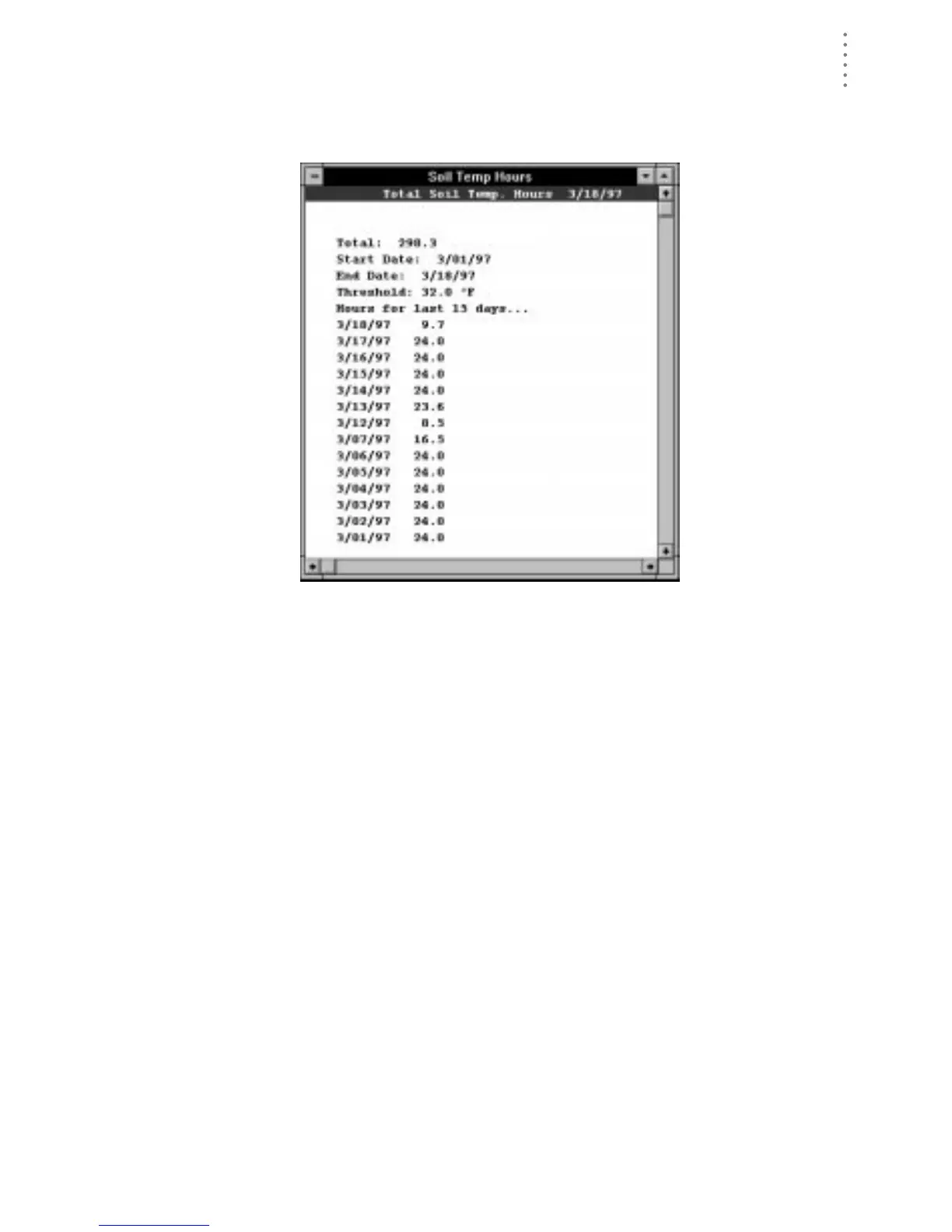
The software calculates and displays soil temperature hours information.
S
OIL
T
EMP
H
OURS
R
EPORT
The soil temperature hours report contains the following information:
▲ Total
The total number of soil temperature hours which occurred during the
selected period of time.
▲ Start Date, End Date, Threshold
The report shows the start and end dates and the threshold you entered.
▲ Hours for the last 15 days
The report shows the number of soil temperature hours which occurred on
each of the past 15 days.





 To Next Page