USING THE SOFTWARE
Using the Yearly Rainfall Database
81
Viewing the Yearly Rainfall Database
To open the Yearly Rainfall Window, choose Yearly Rainfall from the Reports
menu, click on the Yearly Rainfall icon in the toolbar, or press Ctrl-R.
Note:
The first time you attempt to open the rain database, the software will prompt you to indicate
whether you want to create the rainfall database. Choose Yes to create the database (note
that depending on the size of your main weather database and the speed of your computer,
this can take some time).
Y
EARLY
R
AINFALL
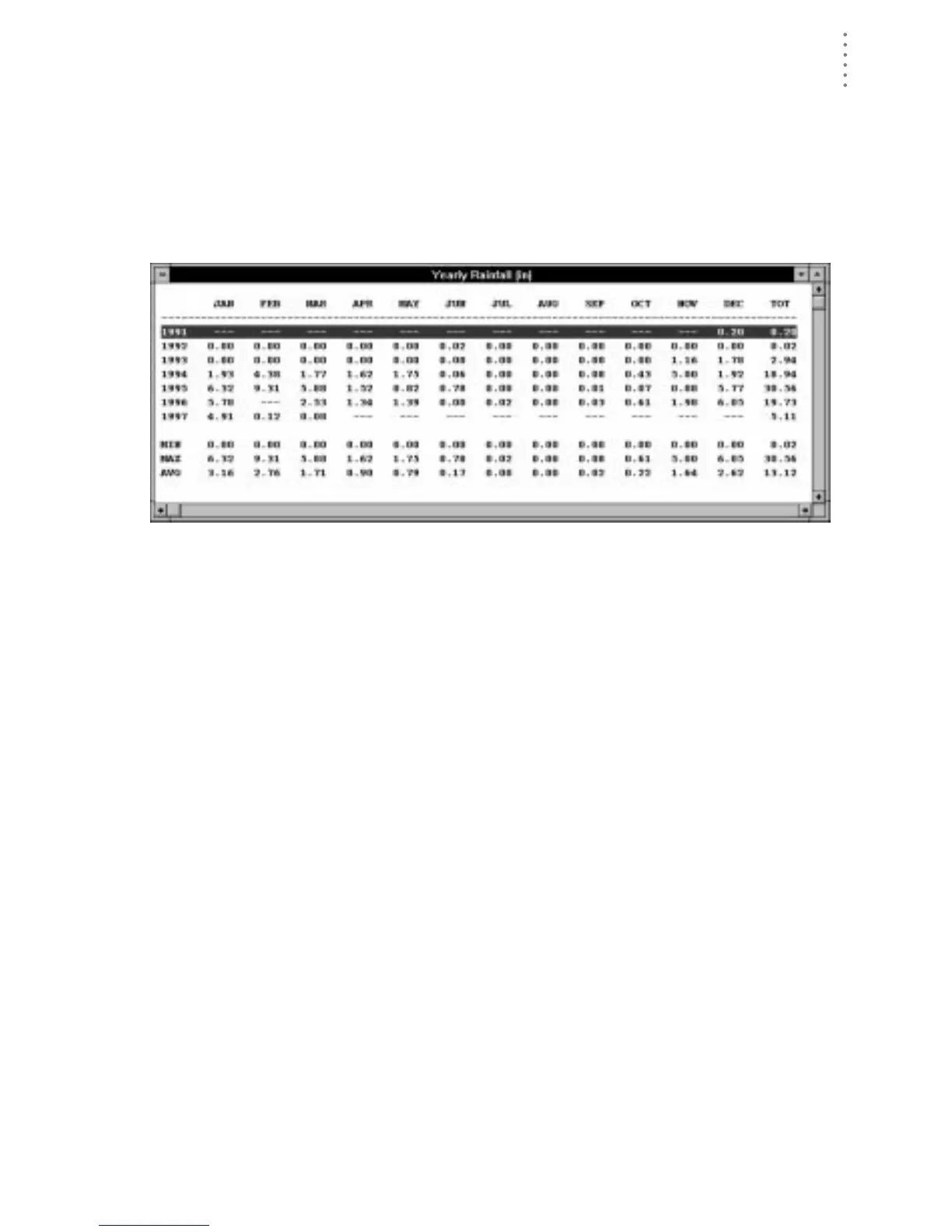
The top section of the Yearly Rainfall window displays the amount of rainfall each
month for every year in your database and the total rainfall for each year. The bot-
tom section shows the minimum, maximum, and average rainfall amounts for
each month and year in the database.
Note:
Dashes indicate that no data exists for a particular month.





 To Next Page