USING THE SOFTWARE
Using the Plot Window
67
Scroll Through Dates
You may use the scroll bar along the bottom of the strip chart window to scroll
through data.
▲ Click the scroll arrows (or press the right or left arrow keys) to move the plot for-
ward or backward one day at a time.
If the plot span is less than a day, clicking this action moves the plot one span
at a time. If the span is one year, this action moves the plot one month at a
time.
▲ Click the scroll bar to move the plot one plot span at a time.
▲ Drag the scroll box to quickly find a specific date.
As you drag the scroll box, watch the date button of the window until the
desired date appears, then release the scroll box.
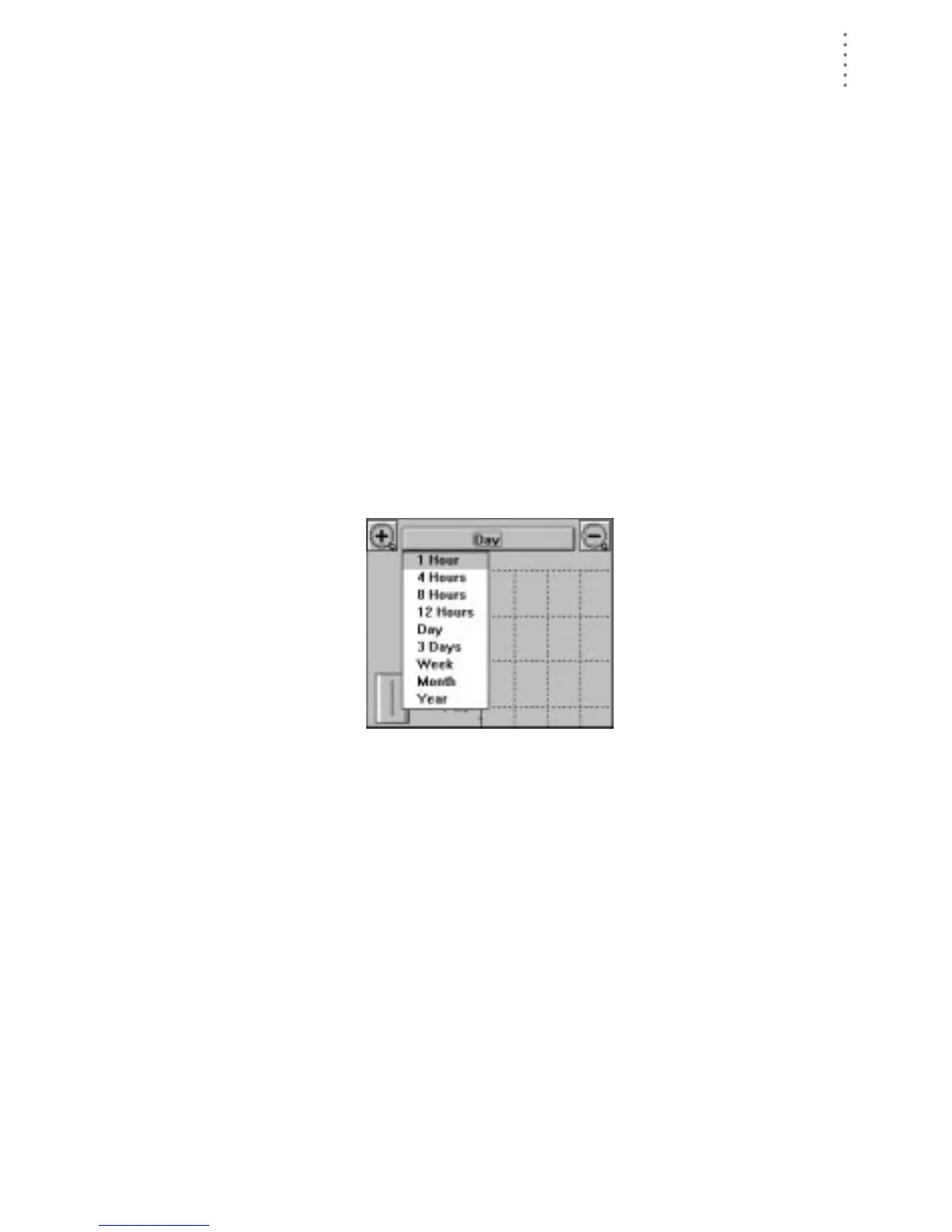
Choose Plot Span
To choose a plot span, click on the Span button or choose the Span sub-menu from
the Plot menu. A list containing all available plot spans appears. Choose the
desired plot span from the list.
P
LOT
S
PAN
L
IST





 To Next Page