USING THE SOFTWARE
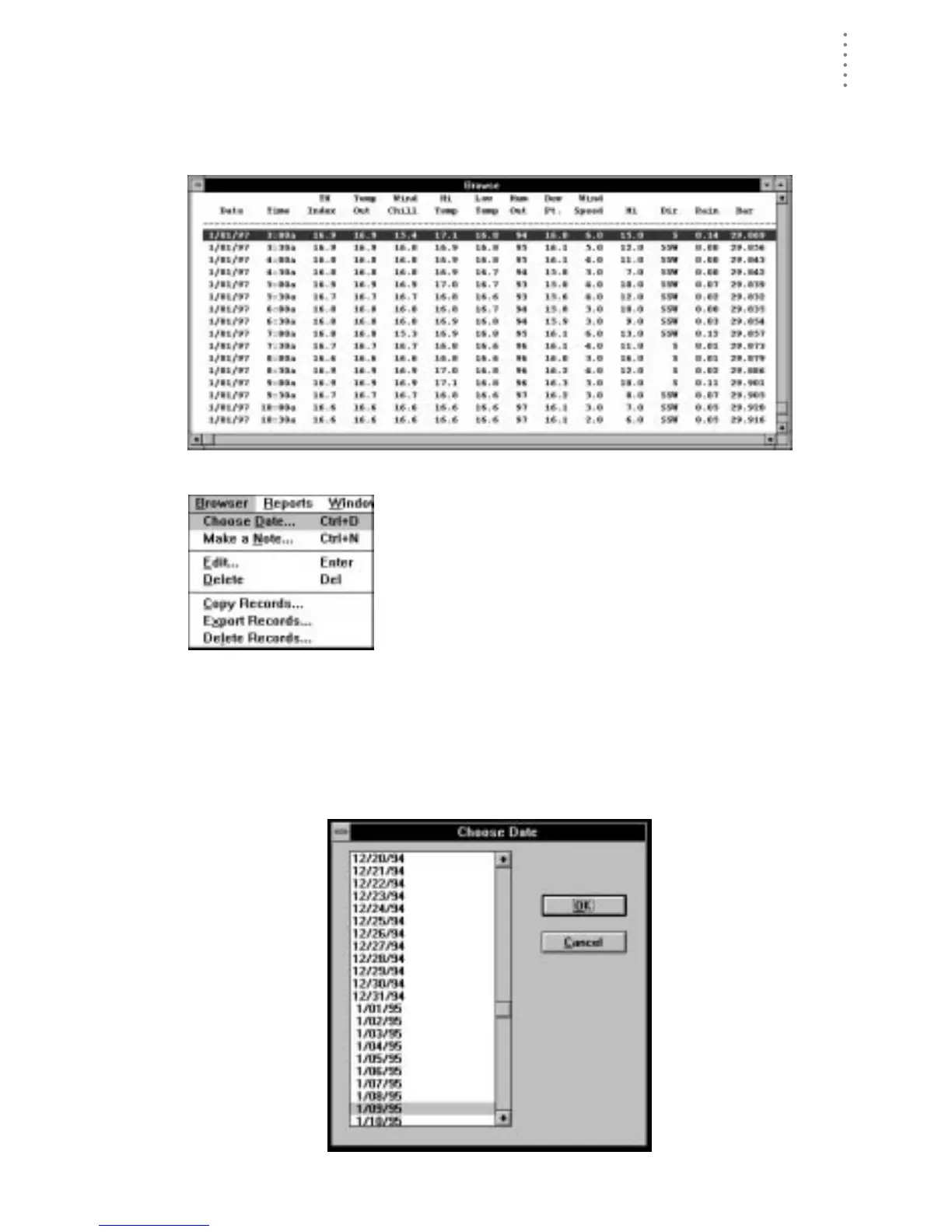
Using the Browse Window
59
USING THE BROWSE WINDOW
The browse window allows you to view, edit, print, annotate, and export the raw
data collected by the WeatherLink.
B
ROWSE
W
INDOW
When the Browse window is active, a Browse menu
appears in the menu bar. The Browse menu contains
commands which enable you to view, edit, print, export,
and copy database information.
Choose Date
You may quickly view the records for any date in the database.
1. To choose a date, click anywhere in the Browse window with the right mouse button,
choose Choose Date from the Browse menu, or press Ctrl-D.
The Choose Date dialog box appears.
C
HOOSE
D
ATE





 To Next Page