13
4
U
SING
THE
S
OFTWARE
Everything you need to know about running the software (once it is correctly
installed and set up) is explained in this chapter.
W
EATHER
S
TATION
M
ODELS
Depending on which station model (Weather Monitor II
®
, Weather Wizard III
®
,
etc.) you are using and which optional sensors (Rain Collector or External Tem-
perature/Humidity Sensor) you have connected to your station, certain informa-
tion and options explained in this manual may not be available. The software may
only display and plot data for which your weather station has a sensor. For exam-
ple, if you have a Weather Wizard III, you may not plot, view, or print barometric
pressure information.
M
ULTIPLE
S
TATIONS
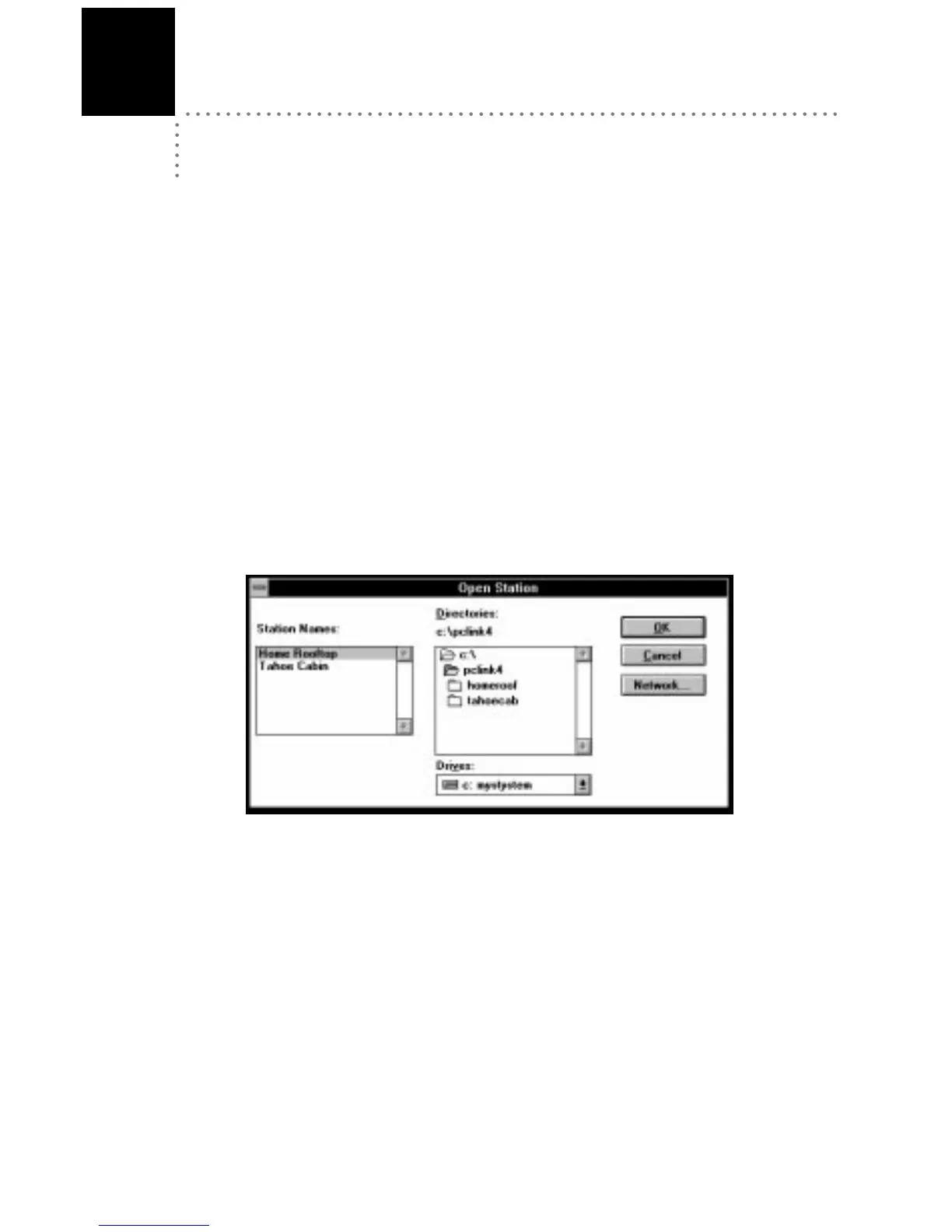
The software can support the use of any number of weather stations with a single
version of the program. Each station must connect to its own WeatherLink, how-
ever. If you have set up more than one station, whenever you load the software
you will be prompted to open a station.
O
PEN
S
TATION
D
IALOG
B
OX
All program actions affect the open station. To open a different station, choose
Open Station from the File menu (see “Open Station” on page 15).




 To Next Page