USING THE SOFTWARE
Using the Yearly Rainfall Database
82
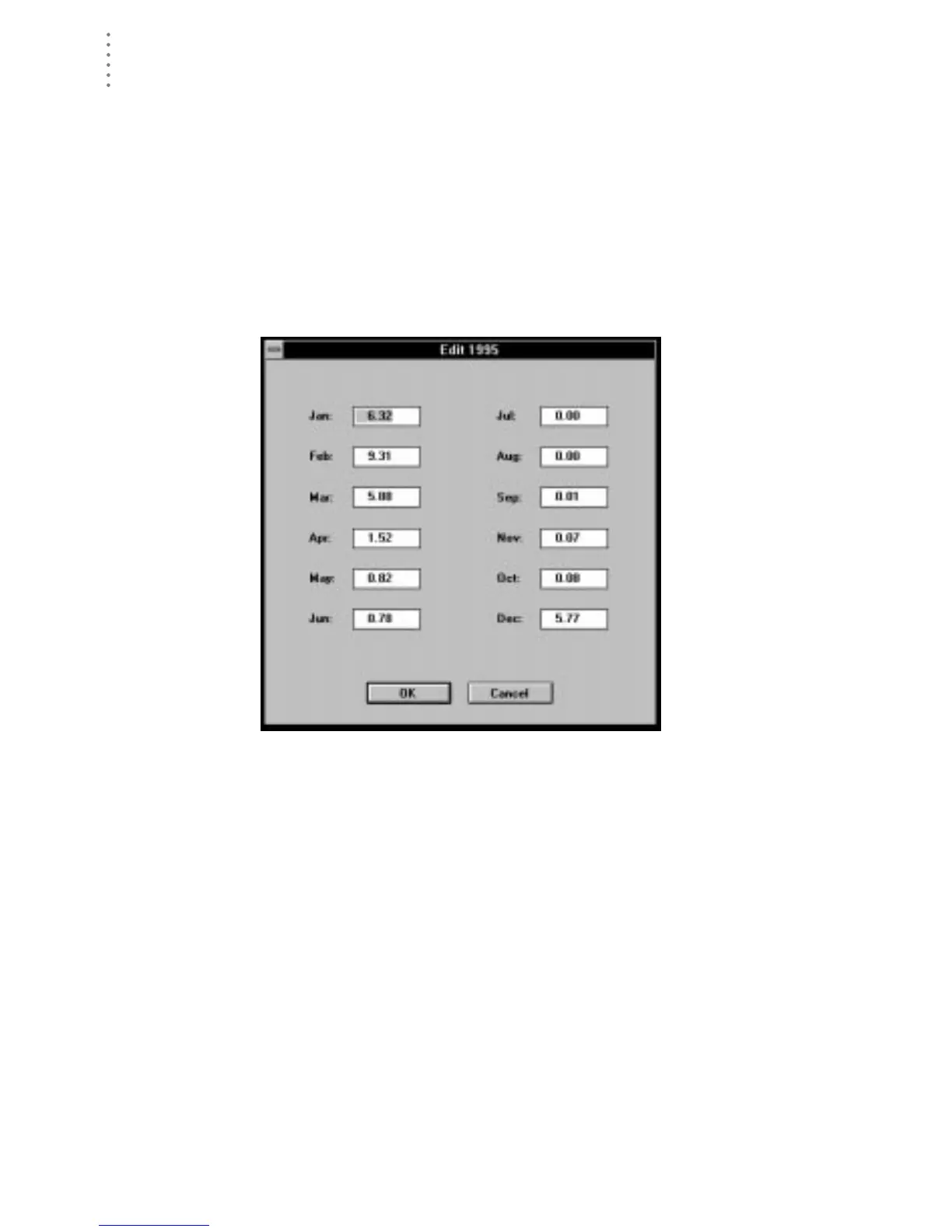
Editing Yearly Rainfall Data
You may edit the data for any existing year or add entire years of rainfall data.
▲ Edit Data for an Existing Year
To edit data, double-click on any line in the rainfall database (or select the
desired line and press Enter or choose Edit from the Rain menu). The Edit dia-
log box appears. Change the data in any of the text boxes and choose OK to
save changes.
Note:
Changes made to the rainfall database are not reflected in the main weather database
(and vice-versa, unless you start a new database). You must treat rainfall totals in both
databases separately.
E
DIT





 To Next Page