USING THE SOFTWARE
Using the Yearly Rainfall Database
83
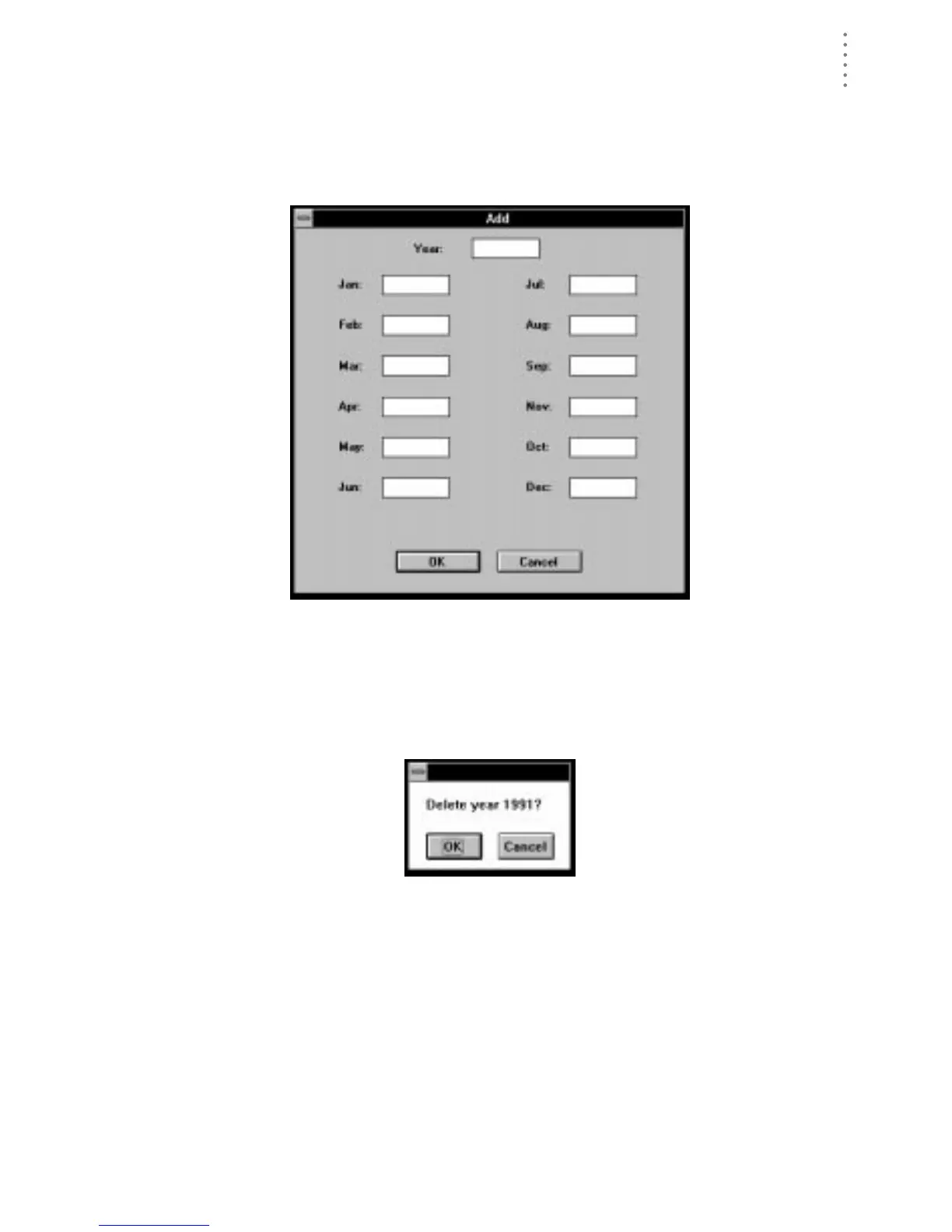
▲ Add Data for an Entire Year
To add a year to the rainfall database, choose Add from the Rain menu. The
Add dialog box appears. Enter the year at the top of the box and the rainfall
amounts for each month into the appropriate text box. When finished, choose
OK to save.
A
DD
Deleting Data
To delete an entire year‘s worth data from the rainfall database, select the desired
year and choose Delete from the Rain menu or press Delete. The software will
prompt you to confirm that you wish to delete data before continuing.
C
ONFIRM
D
ELETION





 To Next Page