USING THE SOFTWARE
Degree-Days
89
Deleting a Degree-Day Total
To delete a degree-day total, select it from the list and choose Delete. The software
will prompt you to confirm that you want to delete the total before doing so.
PC Degree-Day Report
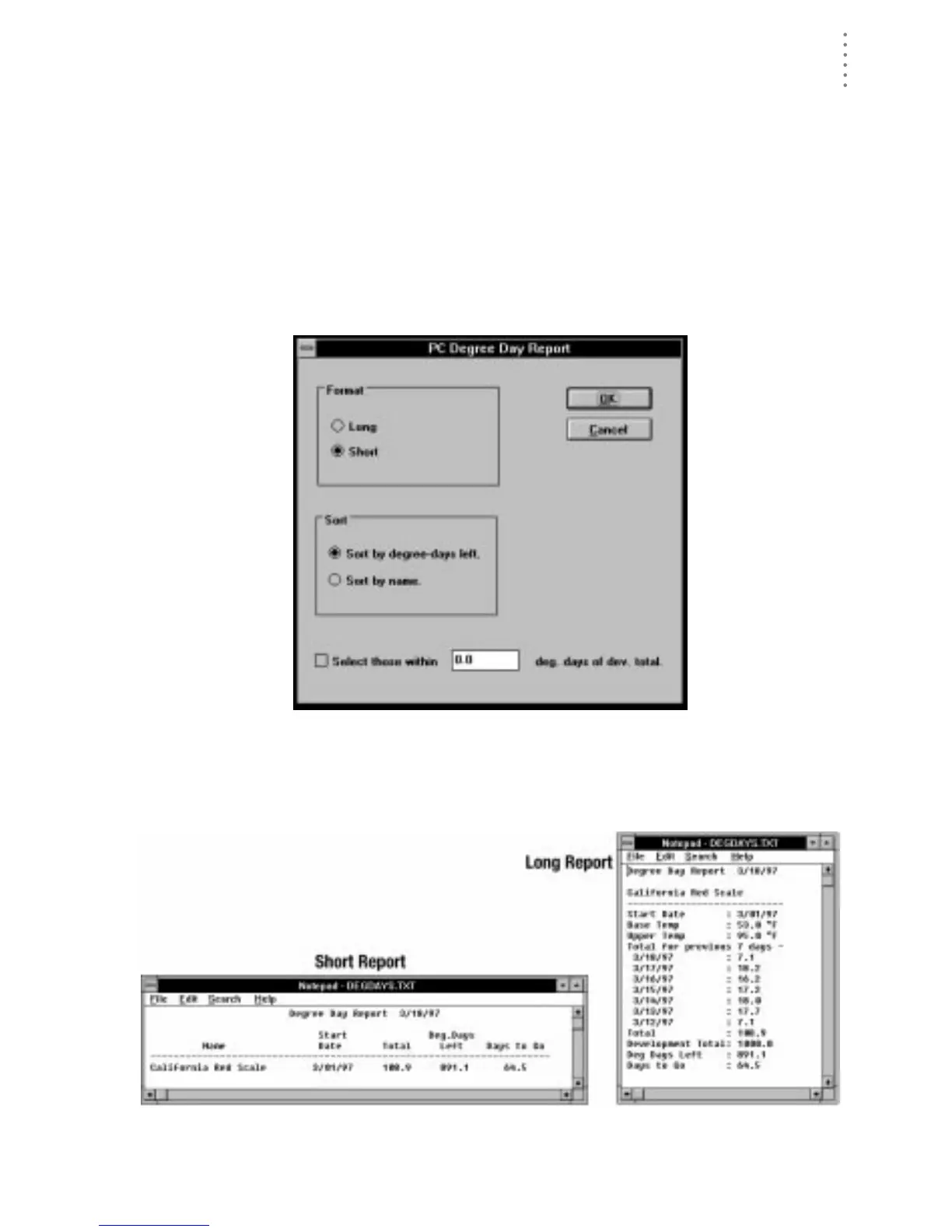
The software allows you to create reports on some or all of your degree-day totals.
The report is opened into Windows Notepad from which you may copy or print
the report information.
1. From the PC Degree-Days list, choose Report.
The PC Degree-Day Report dialog box appears.
PC D
EGREE
-D
AY
R
EPORT
2. Set the following report options:
▲ Format
Select either the long or the short report format.
R
EPORT
F
ORMATS





 To Next Page