USING THE SOFTWARE
Windows Menu
56
Plot
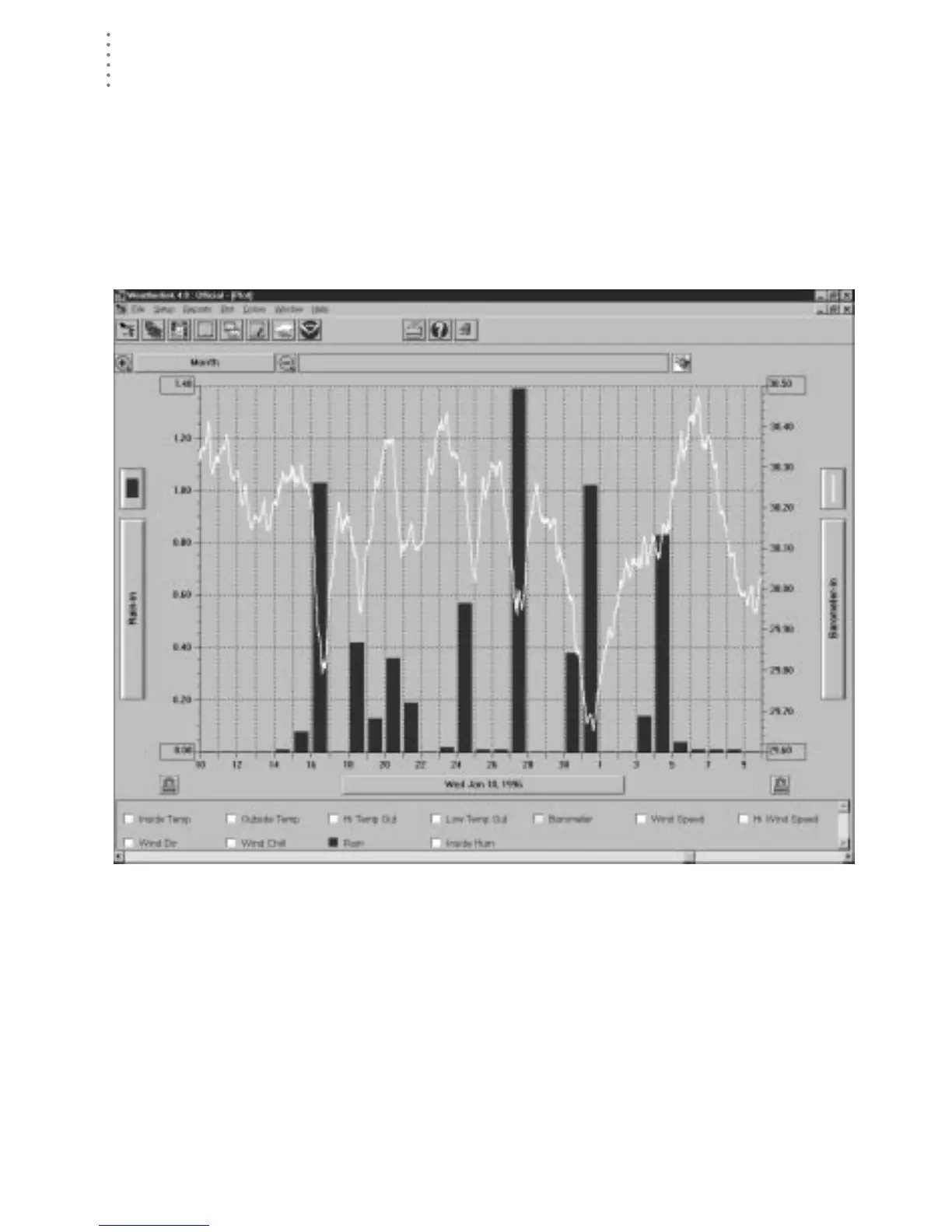
The WeatherLink software includes a powerful plotting engine which allows you
to plot as many conditions as you want on a single plot. You can also save plots
and plot templates for later viewing.
▲ To plot data, choose Plot from the Windows menu, click on the Plot icon in the tool-
bar, or press Ctrl-Q.
The Plot window appears. For complete instructions on using the Plot win-
dow, see “Using the Plot Window” on page 65.
P
LOT
W
INDOW
Strip Charts
The strip charts offer you 4 line graphs which update in real-time as long as they
are open. You may select the data you want to plot on the strip charts and the
span over which you want it plotted.





 To Next Page