USING THE SOFTWARE
Windows Menu
57
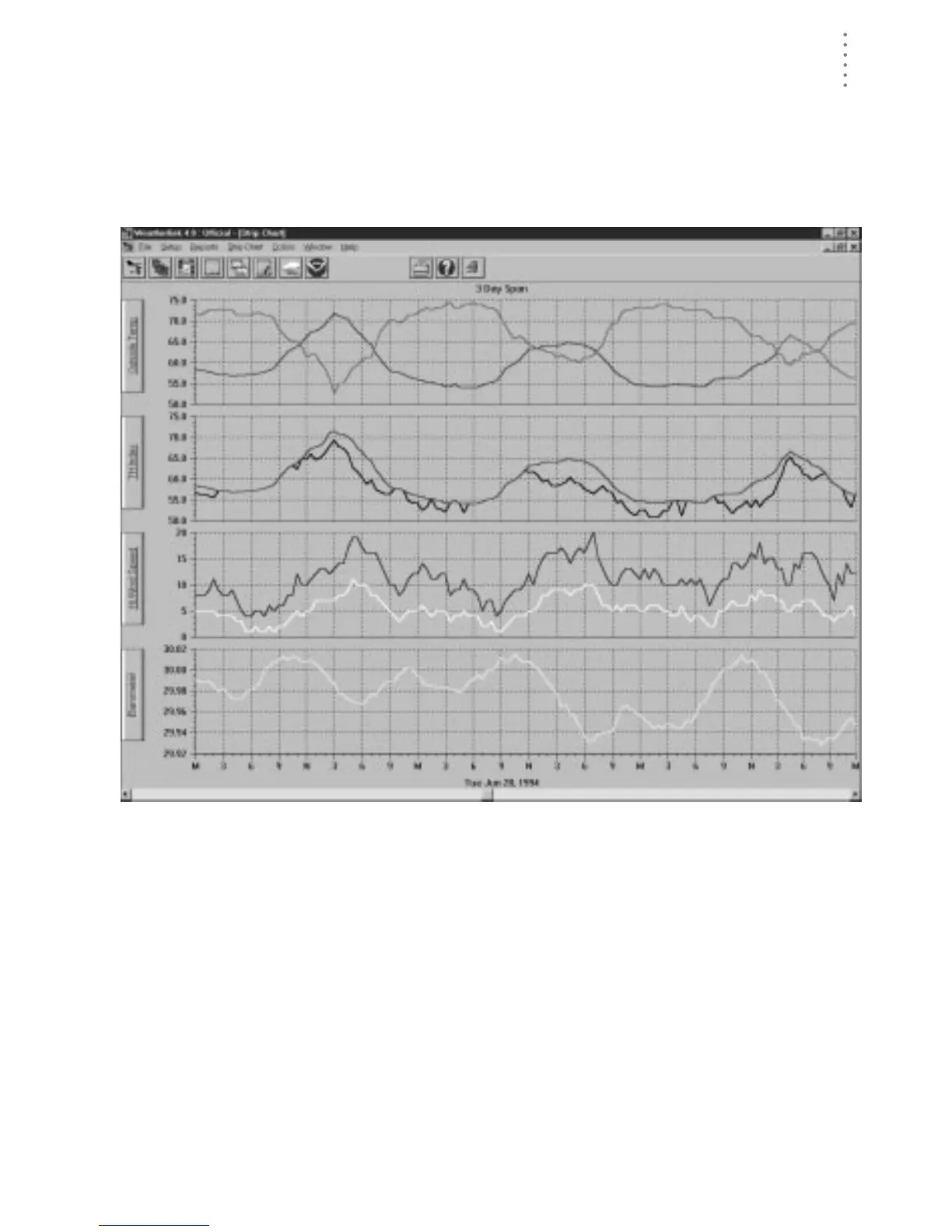
▲ To use the strip charts, choose Strip Charts from the Windows menu, click on the
Strip Chart icon in the toolbar, or press Ctrl-S.
The software automatically downloads data from the open station in order to
fill out the entire strip chart. After downloading, the Strip Chart window
appears. For complete instructions on using the Strip Charts, see “Using the
Strip Charts” on page 76.
S
TRIP
C
HART





 To Next Page