USING THE SOFTWARE
Using the Browse Window
64
Delete Records
You may quickly delete a group of records.
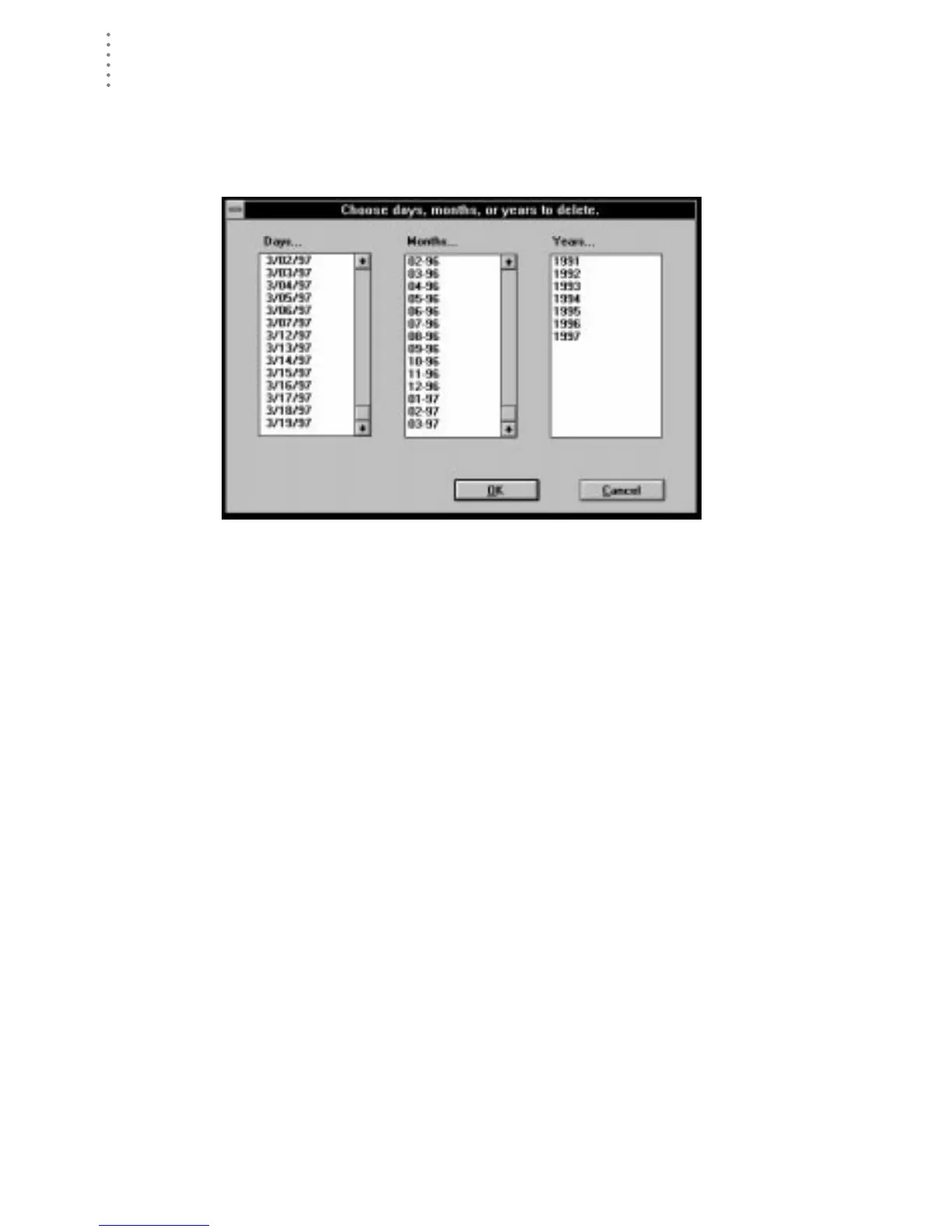
1. To delete records, choose Delete Records from the Edit menu.
The software prompts you to select the records you want deleted.
C
HOOSE
R
ECORDS
TO
D
ELETE
2. Select the desired days, months, or years (you may choose more than one) and choose
OK.
The software prompts you to confirm that you want to delete the records.
3. To delete the records, choose OK.
The software deletes the selected records.





 To Next Page