USING THE SOFTWARE
Setup Menu
29
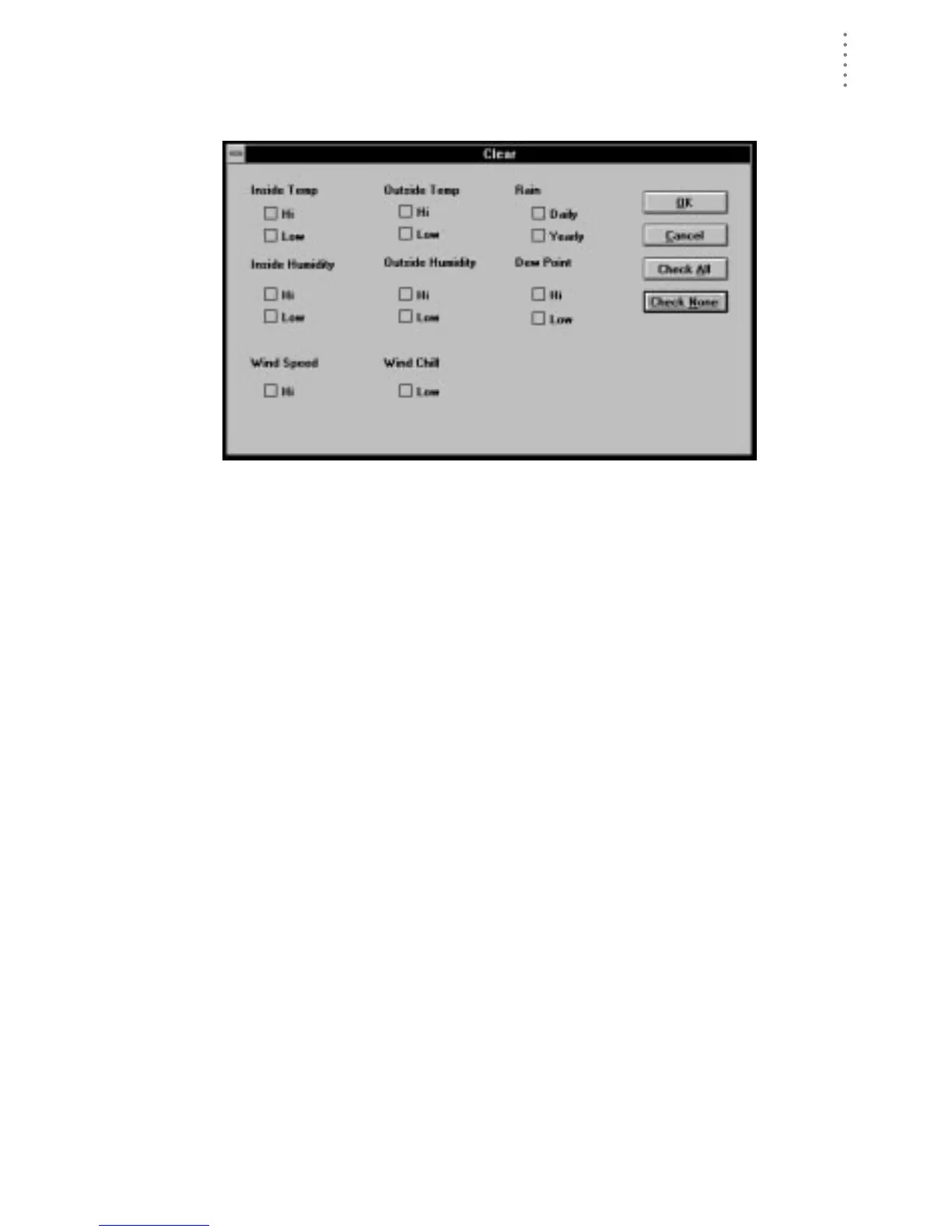
1. Choose Clear from the Setup menu.
The Clear dialog box appears.
C
LEAR
2. Indicate which high/low registers and/or rainfall totals you wish to clear by selecting
the appropriate check box.
You may quickly select all high/low registers and rainfall totals by choosing
Check All. You may quickly de-select all high/low registers and rainfall totals
by choosing Check None.
3. To clear the selected high/low registers and/or rainfall totals, choose OK.
The software clears the selected high/low registers and/or rainfall totals on
the station console.





 To Next Page