Selecting a Drum Kit (KIT)
Important Parameter Here
KIT
VOICE
PATTERN
GRP
Voc
Volume
Pan
Pitch
Decay
Rvblevel
MidiNote
Duration
StartVol
GRP
Sng
Retrig
VelCtrl
Volume
X’ Pose
RstTime
DrumVoc
About Drum Kit
This digital drum has 99 (including 40 Preset Kits + 59 User Kits)
Kits for you to select.
About Drum Kit Screen
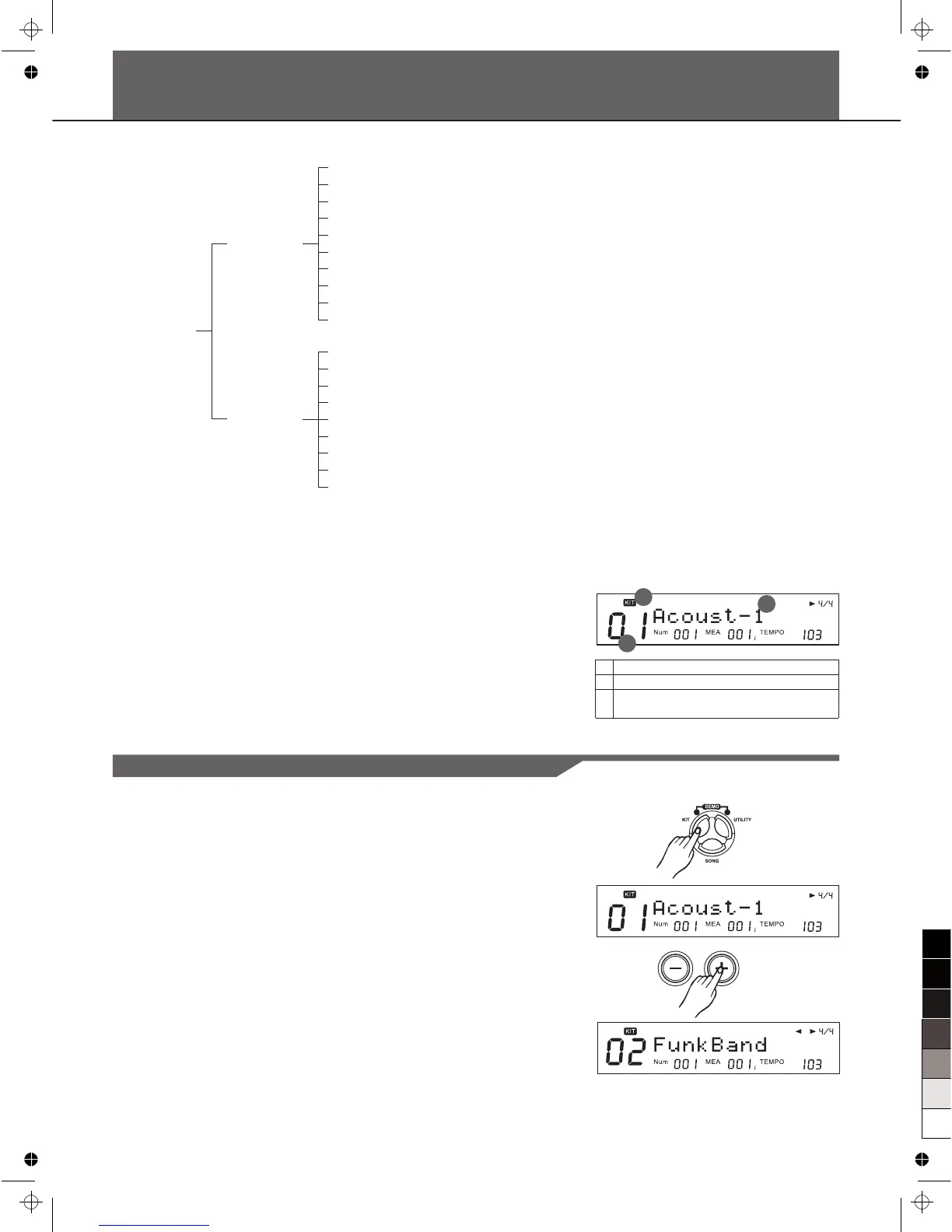
The screen displayed when [KIT] is pressed is referred to as the
Drum Kit screen.
Enter KIT Mode
1. Press the [KIT] button to enter KIT mode.
The Kit indicator " KIT " is lightened and the LCD displays the
current Kit number and Kit name like right side.
2. Press the [+]/[-] button or use the DIAL to select a Kit (next or
previous one); Or your can press the [PAGE+] button to
quickly jump to next Kit groups (from Preset Kits to User Kits).
1
3
2
1 Kit number
2 Kit name
3 icon "KIT" to indicate the current number
displayed is kit number
Selecting a Drum Kit
10



 To Next Page