Basic Operations
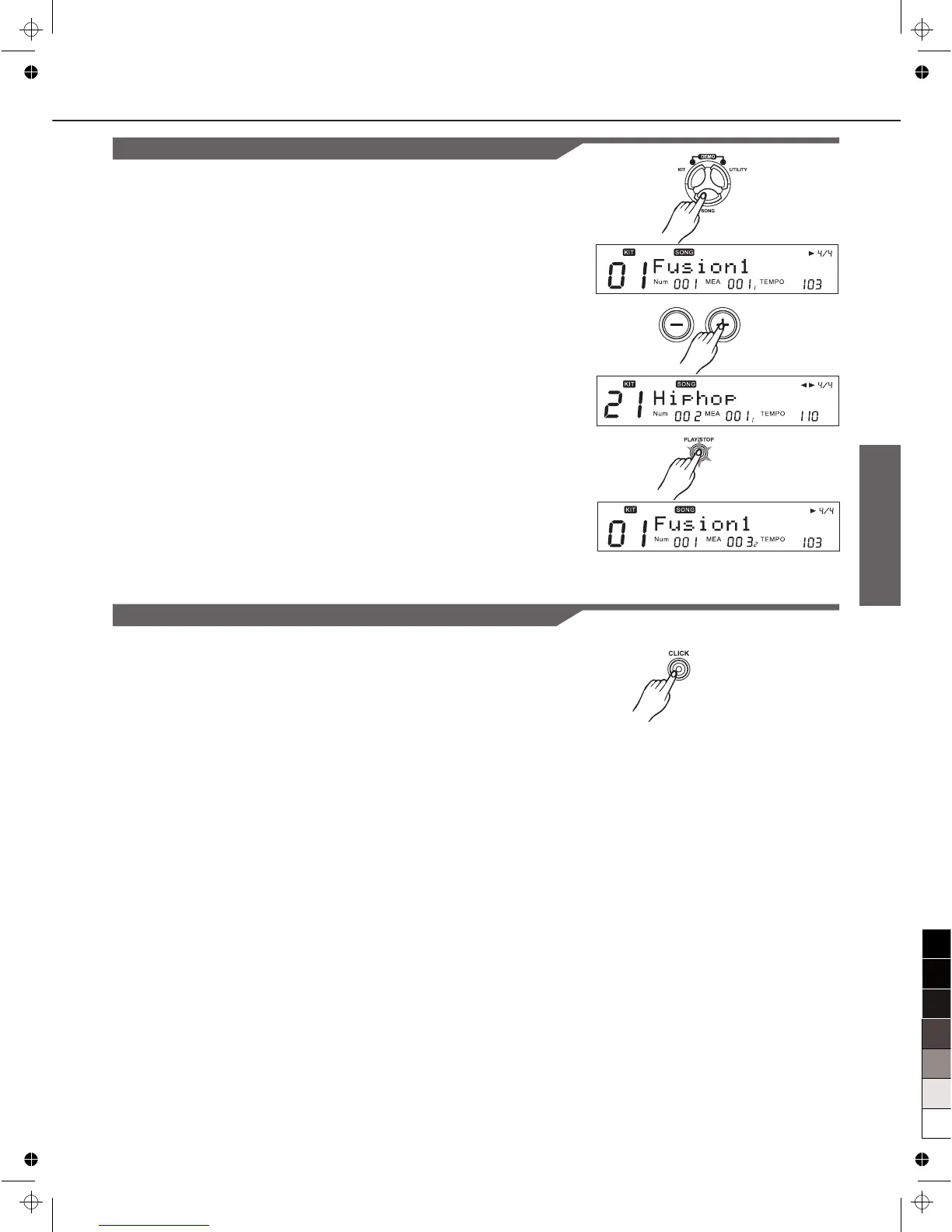
Play Song
1. Press [SONG], and the SONG screen appears:
2. Press [+] / [-] or DIAL to choose a song.
3. Use [PLAY/STOP] button control the play.
Turning the Metronome (Click) On and Off
Press CLICK to turn the metronome ON and OFF.
[CLICK] lights while the click sound is set to be played.
[ ]
9



 To Next Page