17
Using the Mixer (MIXER)
Master Kit volume, Song Volume, Click Volume and Card Volume.
MIDI Volume can be balanced together in the drum module mixer menu.
Master Volume
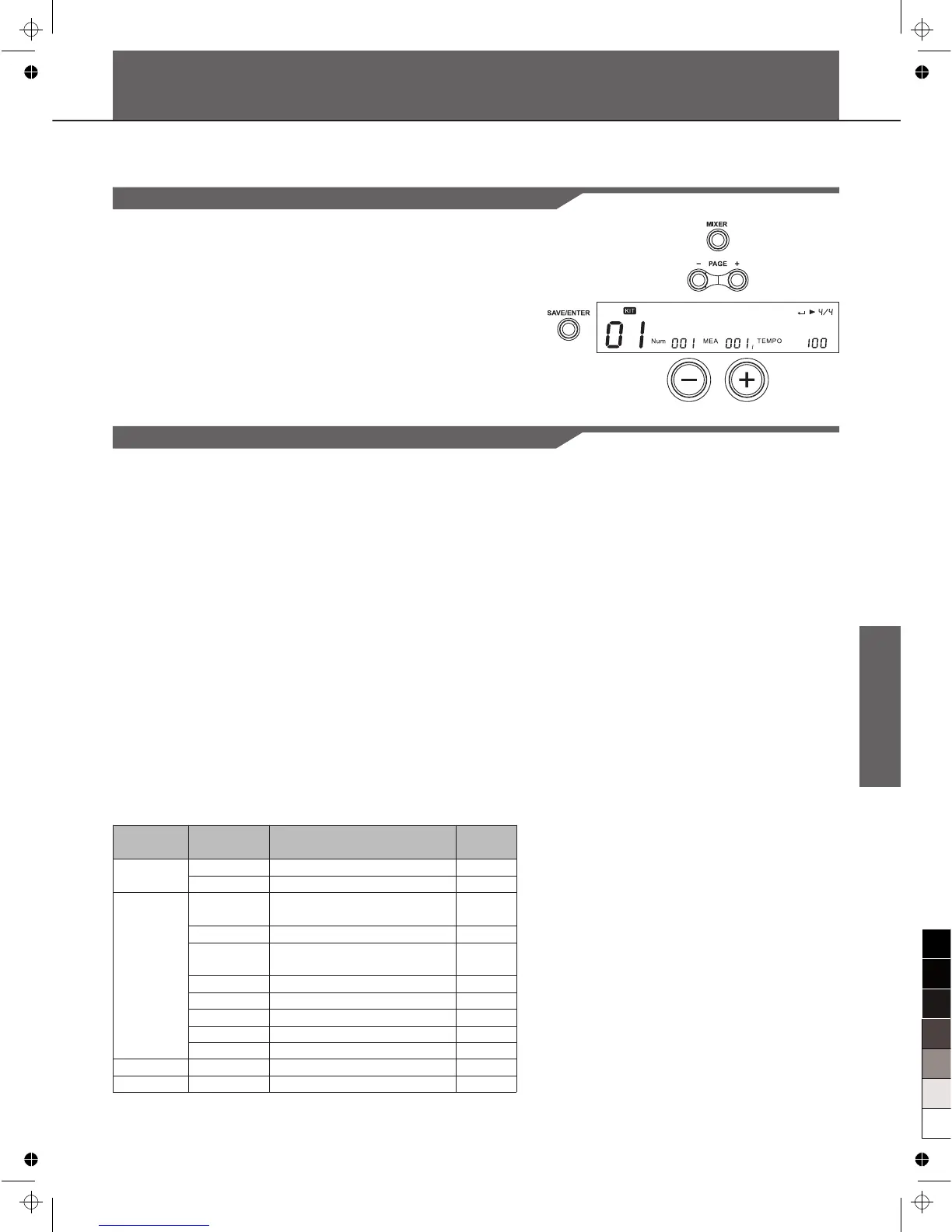
1. Press the [MIXER] button to enter mixer menu.
2. Press the [PAGE+]/ [PAGE-] button to select “SongVol”,”
ClickVol” or “CardVol”.
3. Press [+]/[-] button or use the DIAL to adjust each volume.
KITVol: 20
Parameter
KITVol
SongVol
CardVol
ClickVol
Secondary
Para
TrigVol
DrumVol
PercVol
Part1Vol
Part2Vol
Part3Vol
Part4Vol
Part5Vol
Function
Master Kit Volume
Current trigger volume
Master Accompaniment
Volume
Current Song Drum volume
Current Song Percussion
volume
Current Song Part1 volume
Current Song Part2 volume
Current Song Part3 volume
Current Song Part4 volume
Current Song Part5 volume
Card Midi volume
Click volume
Value
Range
0~32
0~32
0~32
0~32
0~32
0~32
0~32
0~32
0~32
0~32
0~32
0~32
Inner Volume
--In the menu page “KITVol: 20”. Press the SAVE/ENTER
button to enter kit inner volume page, it will show current pad
trigger's volume. You can adjust the value using [+]/[-] or DIAL.
The adjustments of the inner volume equals to the operation in
KIT MENU. Don't forget to save current Kit before you select
another Kit or power down this digital drum.
--In the menu page “SongVol: 20”, press the [SAVE/ENTER]
button to enter Song inner volume page, showing current song
parts' volumes. You can adjust the value using [+]/[-] or DIAL.
The adjustments of the inner volume equals to the operation in
SONG MENU. Don't forget to save current Song before you
select another Song or turn off this digital drum.
Note:
ClickVol in mixer menu equals to the “ClickVol” in Click menu.
[ ]



 To Next Page