33
Setting Effect (REVERB/EQ)
You can set the Reverb effect and the 4 band EQ parameters in
the “Effect” menu.
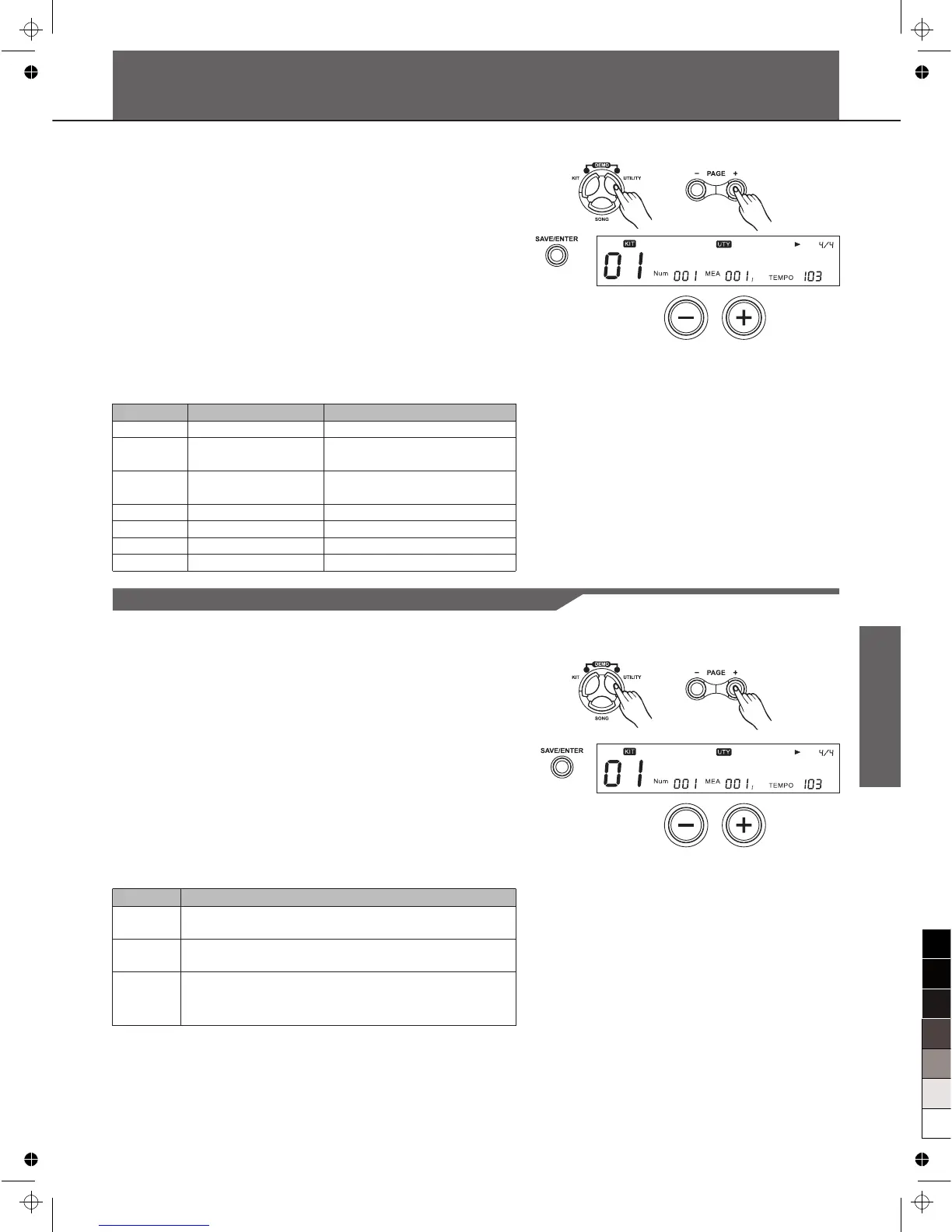
1. Press [UTILITY],then [Page+]button to select the effect menu.
2. Press [SAVE/ENTER] ,then Press [Page+]/[Page-] to select
the parameter to be setting.
3. Press [+]/[-] button or use the DIAL to make the setting.
Note:
If you want to save all the effects for current kit, see Saving KIT.
R e v e r b : O N
Parameter
Reverb
RvbTyp
EQSwitch
EQLow
EQL.Mid
EQH.Mid
EQHigh
Function
Master reverb switch
Reverb type
4 band EQ master
switch
EQ low band
EQ low middle band
EQ high middle band
EQ high band
PARA RANG
OFF/ON
SRoom/MRoom/LRoom/Hall1
/Hall2/Plate/Delay/P.Dely
OFF/ON
-12dB~12dB
-12dB~12dB
-12dB~12dB
-12dB~12dB
MIDI Settings
You can connect this digital drum to other MIDI device or PC
thru standard MIDI cable or USB cable.
1. Press [UTILITY], then [Page+]button to select the MIDI SET
menu.
2. Press [SAVE/ENTER] ,then Press [Page+]/[Page-] to select
the parameter to be setting.
3. Press [+]/[-] button or use the DIAL to make the setting.
L o c a l : O N
Item
Local*
SoftThru
GM Mode
Function
ON: Output both local sound and MIDI data.
OFF: Mute the local sound, only output MIDI data.
ON: Forward all input MIDI data to MIDI out.
OFF: Only output local MIDI data.
ON: Channel 10 will play the GM percussion kits.
OFF: Channel 10 will play the digital drum internal
kits.
Local
OFF: Mute the local sound just when triggering the pad. Press
the Pad Select buttons would always sound.



 To Next Page