Note:
Only MIDI files smaller than 32 Kbytes can be loaded.
The load user song function support SMF 1 only, and up to 7
channels of the MIDI file can be used in the 1 shot or loop type
user song. For TAP or HIT, only 1 channel can be used. Here's
the table for the available channel.
1 Shot / Loop:
Tap/Hit
Only the first of channel 12~16 in the MIDI file would be used.
Note:
If you load the MIDI file to a user song which is not empty, the
original User Song would be deleted even when displays "No
Space".
Error information when loading a file:
SD Card Operation(CARD)
DELETE
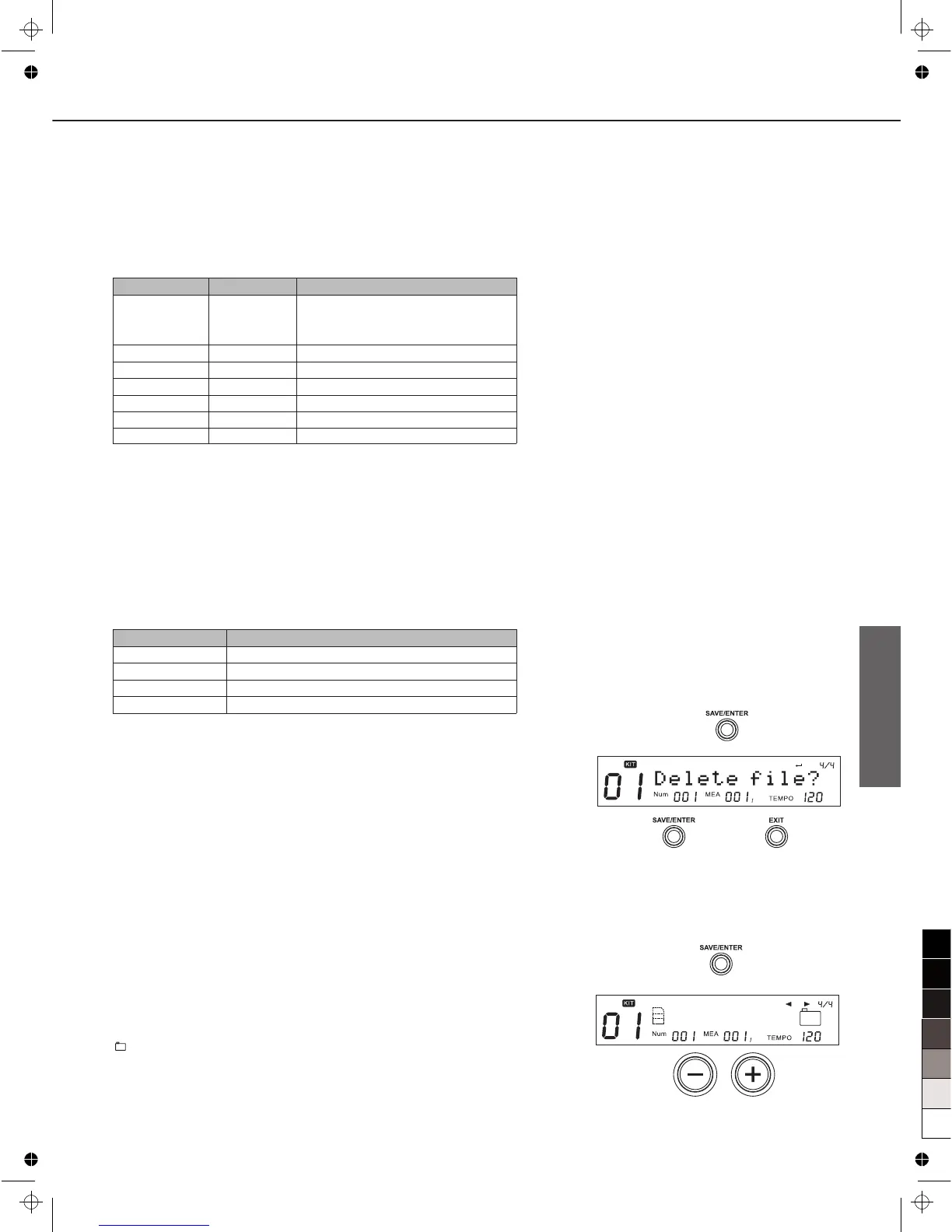
1. Select “Delete” in card menu, press [SAVE/ENTER], then it
will ask you to confirm the operation.
2. Press [SAVE/ENTER] to confirm or press [EXIT] to abort.
After the deletion, the display will go back to the folder you
were browsing. If there are no supportable files in the folder,
“No File!” would be shown.
LOOP
1. Select “LOOP” in card menu.
2. Press [+]/[-] button or using the DIAL to select the loop type.
: It would loop through all the MIDI files in current
folder.
1: It would loop for the current MIDI file only.
L O O P :
37
MIDI Channel
10
11
12
13
14
15
16
Part
Drum
Percussion
Part 1
Part 2
Part 3
Part 4
Part 5
Note
Set controller 0 to select bank as
127 to use internal KIT,otherwise
GM kit would be used.
LCD Displays
NoUsableData
FileError
FileTooBig
No Space
Explain
There’s no usable notes in the MIDI file.
File error.
The MIDI file is larger than 32 Kbytes.
The user data space is full.



 To Next Page