38
SD Card Operation(CARD)
FORMAT
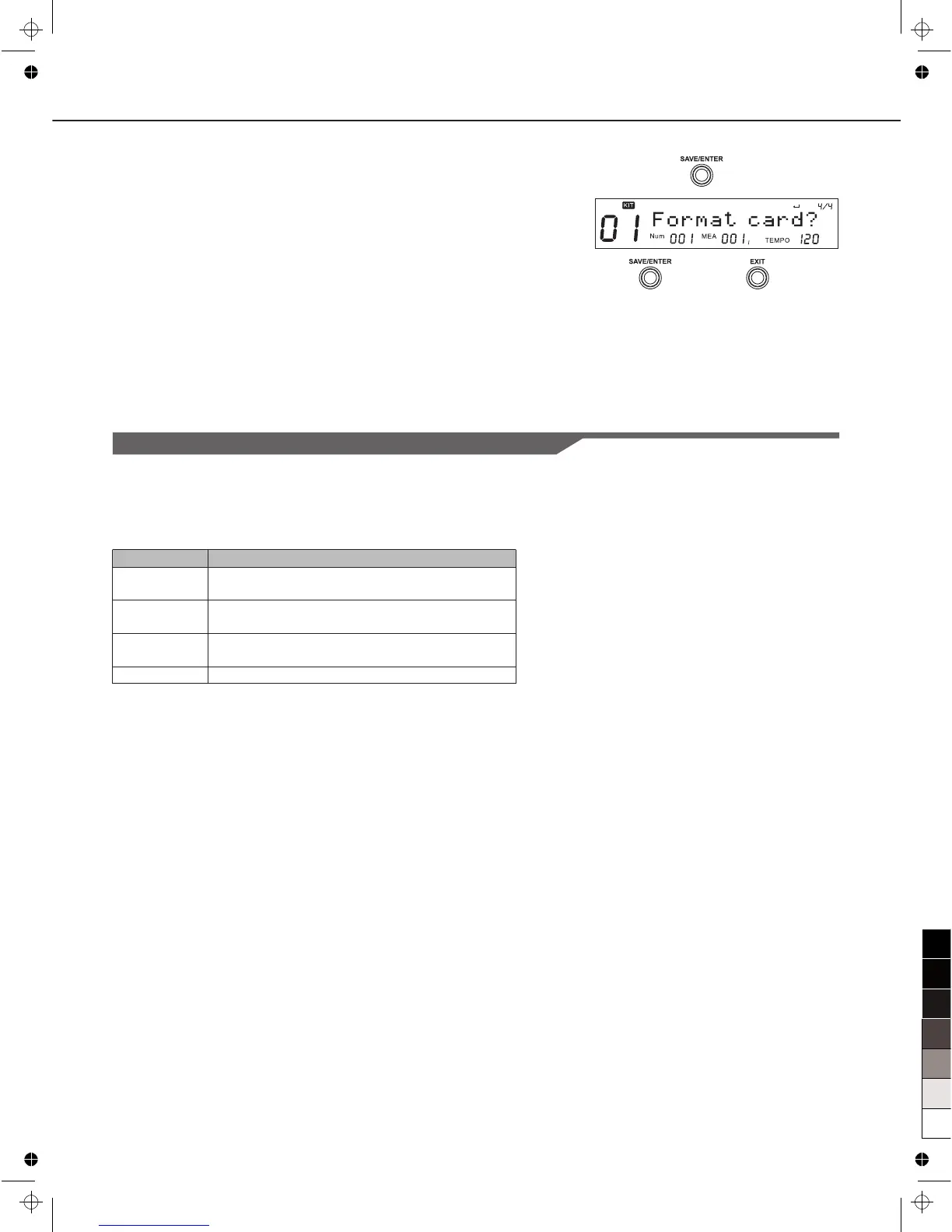
1. Select “Format” in card menu, press [SAVE/ENTER], it will
ask you to confirm the operation.
2. Press [SAVE/ENTER] to confirm or press [EXIT] to abort.
Note:
1. After format, all previous data in the card will be erased.
Please make sure that you have backed up all the important
information in the card.
2. The digital drum support FAT16 and FAT32 only, some SD
card with small capacity (under 32M) may be using FAT12, in
this case, the card would be formatted into FAT16.
The Error Information during a Card Operation
You may see some error information during a card operation.
They are caused by the hardware or file system error of the SD
card.
*Please take out the card, unlock the card and try again.
**The fatal error can be caused by a damaged card, poor
contact, etc. Please clean the metal connection part of the card
and try again.
***digital drum can support only FAT16 and FAT32.
LCD Display
No Card!
Card Locked!
Card Error!
FS Error!
Explain
The card is not properly inserted into the card
slot.
The card is found protected/locked during
save/delete or format.*
A fatal error occurred during reading or writing
the card. **
The file system of the card is not supported. ***



 To Next Page