Installing the Display Function Board
1. Connect the display power and the fingerprint cables to the connector.
2. Attach the display function board to the display assembly.
3. Tighten the screws to secure the display function board.
4. Replace the display bezel.
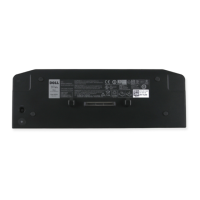
5. Replace the battery.
6. Follow the procedures in After Working Inside Your Computer.
111







 To Next Page