23
Bluetooth Cable
Removing the Bluetooth Cable
1. Follow the procedures in Before Working On Your Computer.
2. Remove the battery.
3. Remove the back panel.
4. Remove the keyboard trim.
5. Remove the hard drive assembly.
6. Remove the base cover.
7. Remove the palmrest.
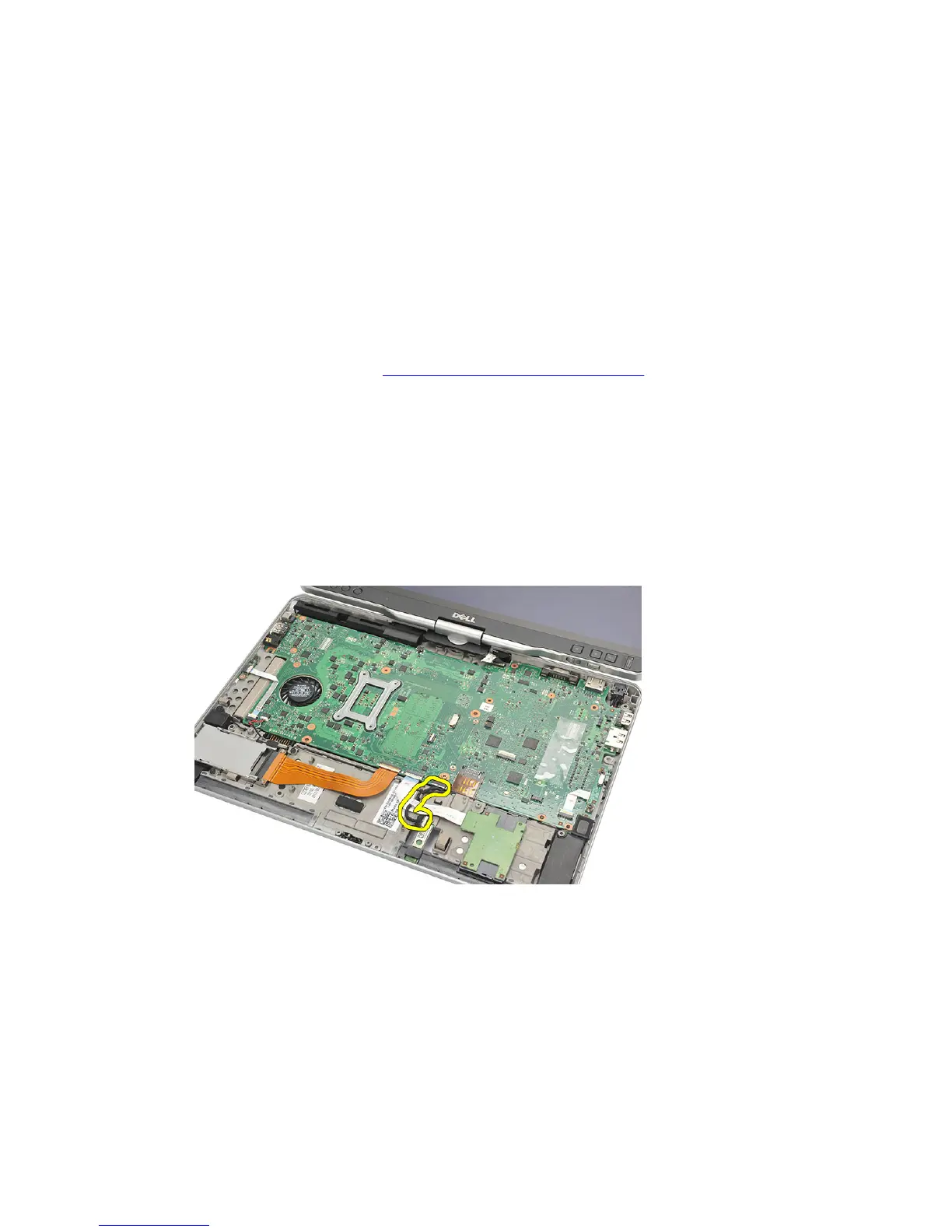
8. Disconnect bluetooth cable from the bluetooth module and the system board.
Installing the Bluetooth Cable
1. Connect the bluetooth cable to the bluetooth module and the system board
2. Replace the palmrest.
3. Replace the base cover.
4. Replace the hard drive assembly.
5. Replace the keyboard.
85














 To Next Page