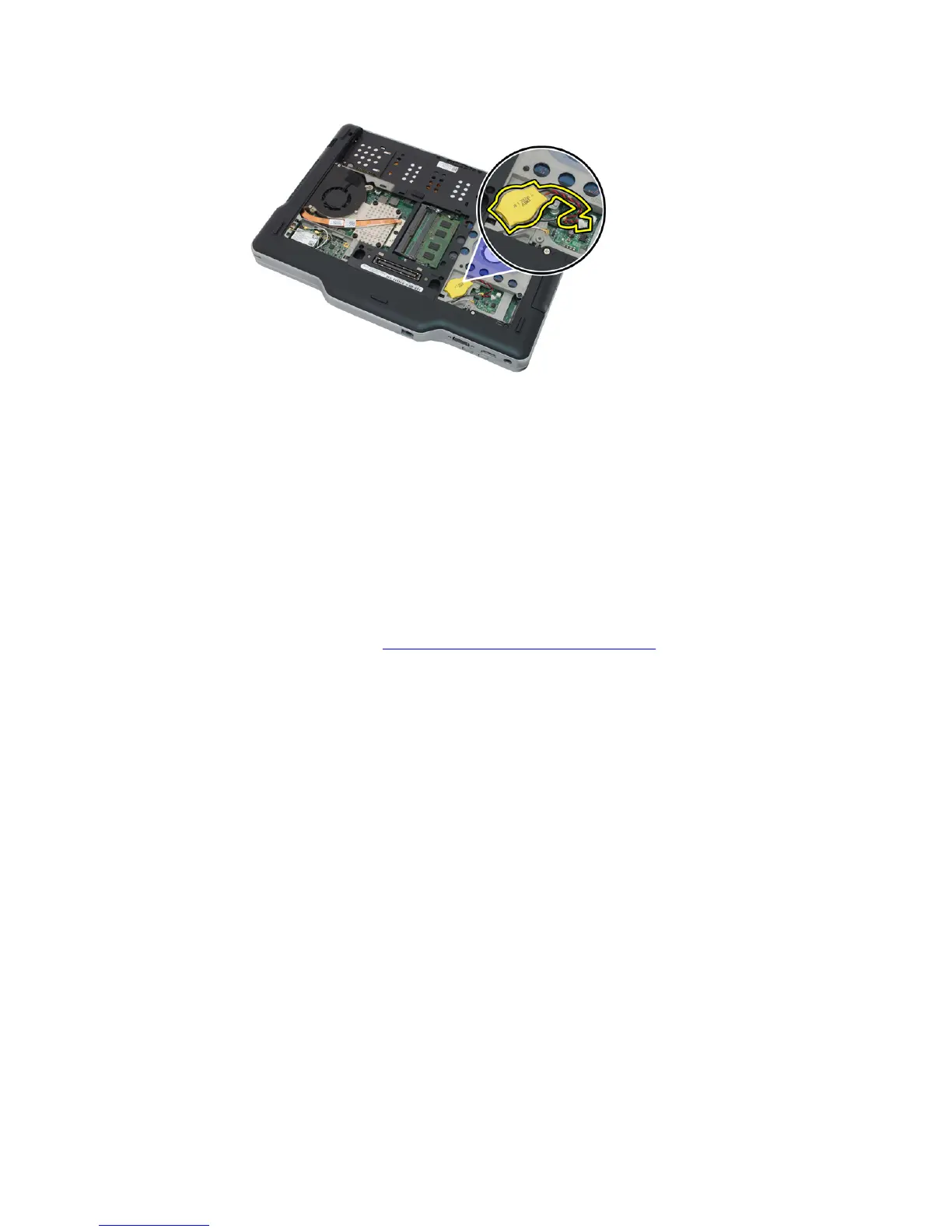
6. Remove the coin-cell battery.
Installing the Coin-Cell Battery
1. Place the coin-cell battery into the slot.
2. Connect the coin-cell battery cable to the system board.
3. Replace the WWAN card.
4. Replace the back panel.
5. Replace the battery.
6. Follow the procedures in After Working Inside Your Computer.
52














 To Next Page