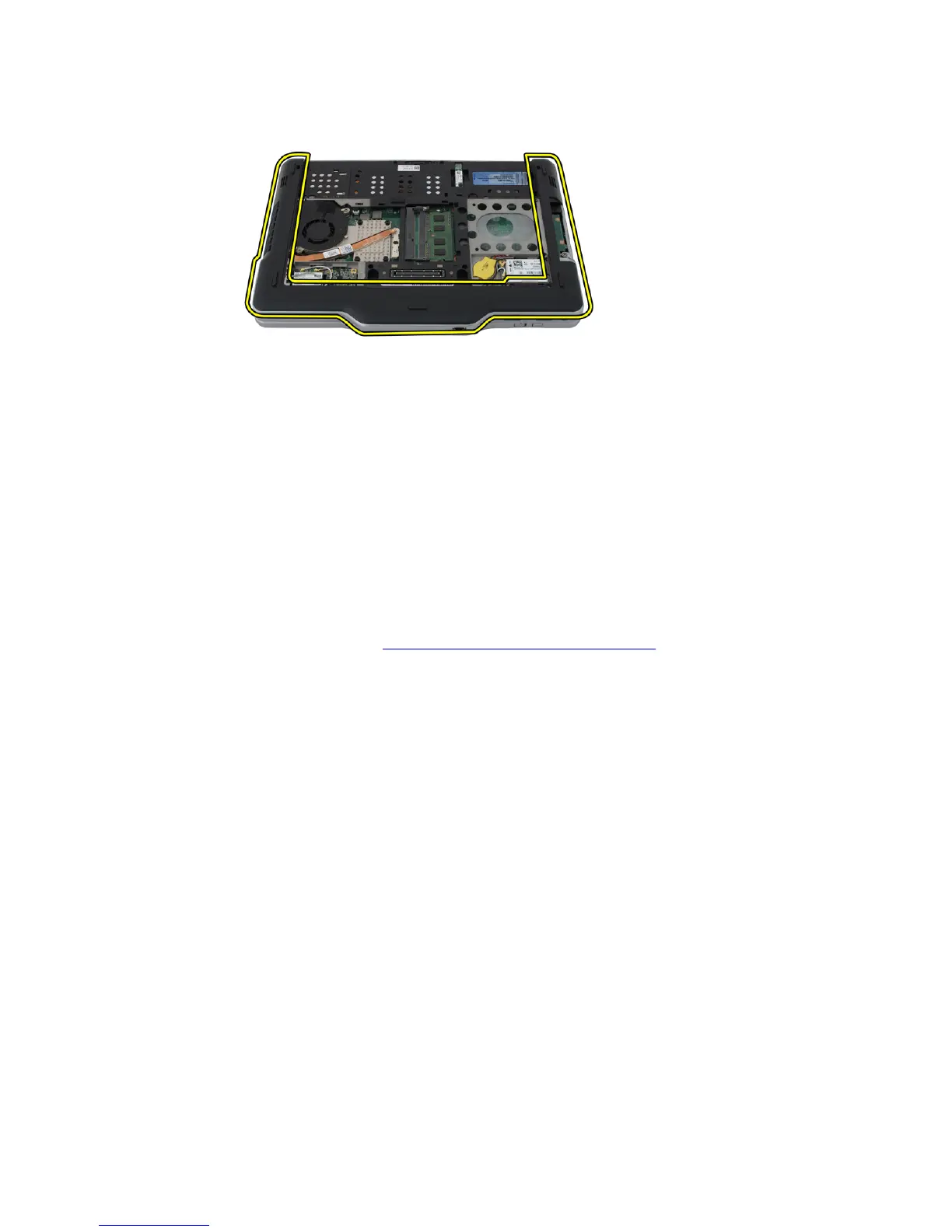
6. Disengage the base cover from the edges and remove it from the computer
Installing the Base Cover
1. Attach the base cover until the edges snap into place.
2. Tighten the screws to secure the base cover.
3. Replace the hard drive assembly.
4. Replace the back panel.
5. Replace the battery.
6. Follow the procedures in After Working Inside Your Computer.
54














 To Next Page