• Pen
• Interactive Options
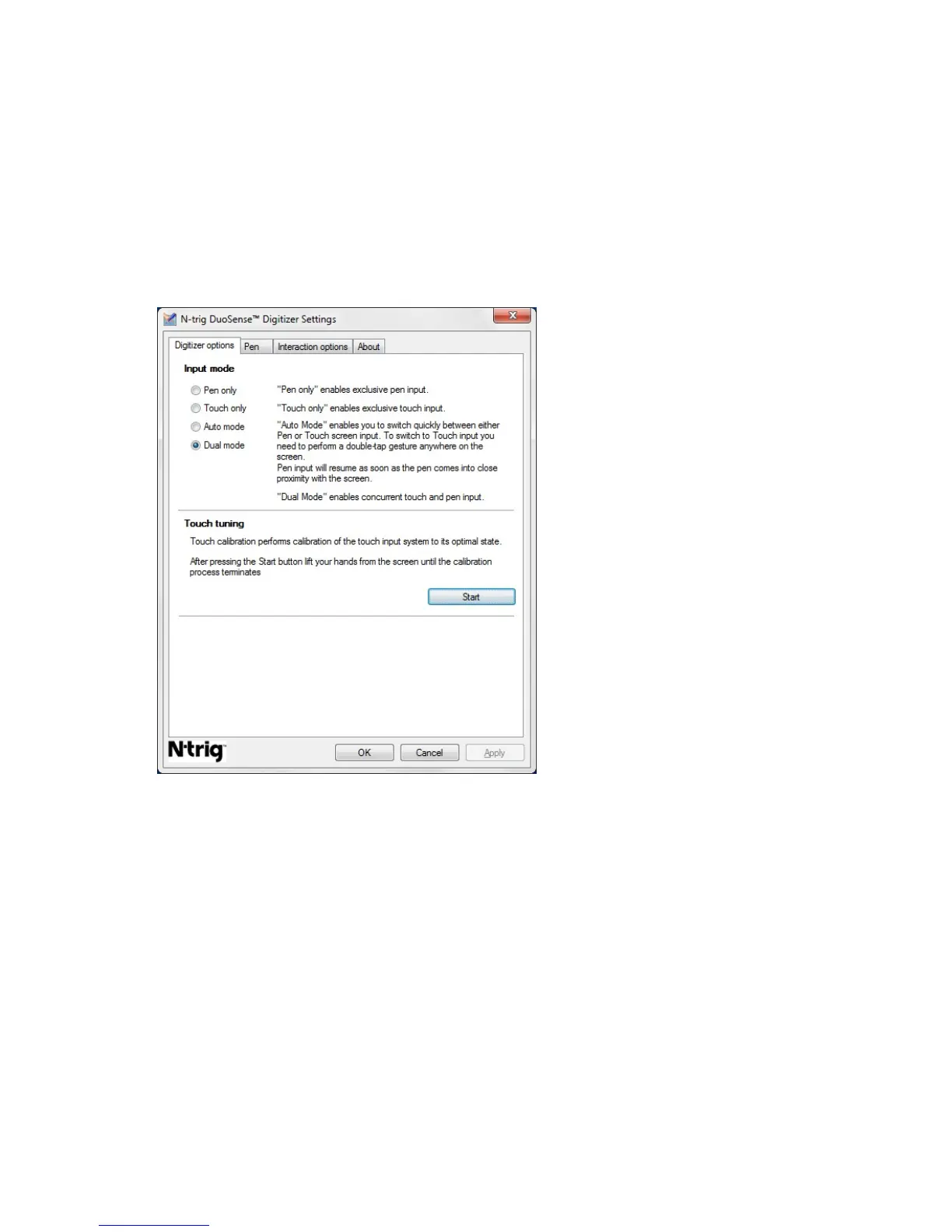
Digitizer Options Tab
The Digitizer Options tab is used for the following
• Input mode selection
• Touch tuning
Figure 8. N-trig DuoSense Digitizer Settings — Digitizer options
Input Mode
The N-trig DuoSense Digitizer applet has four operating modes:
• Pen only— In this mode, the stylus is the only device that can be used as the input
device with the N-trig digitizer. To change from Pen only mode to any other mode:
a. Click or tap on the N-trig applet icon in the system tray.
b. On the applet window, select the desired mode and click OK
• Touch only — In Touch only mode, a single finger is the only input device that can be
used with the N-trig digitizer. Using the stylus is not possible.
25














 To Next Page