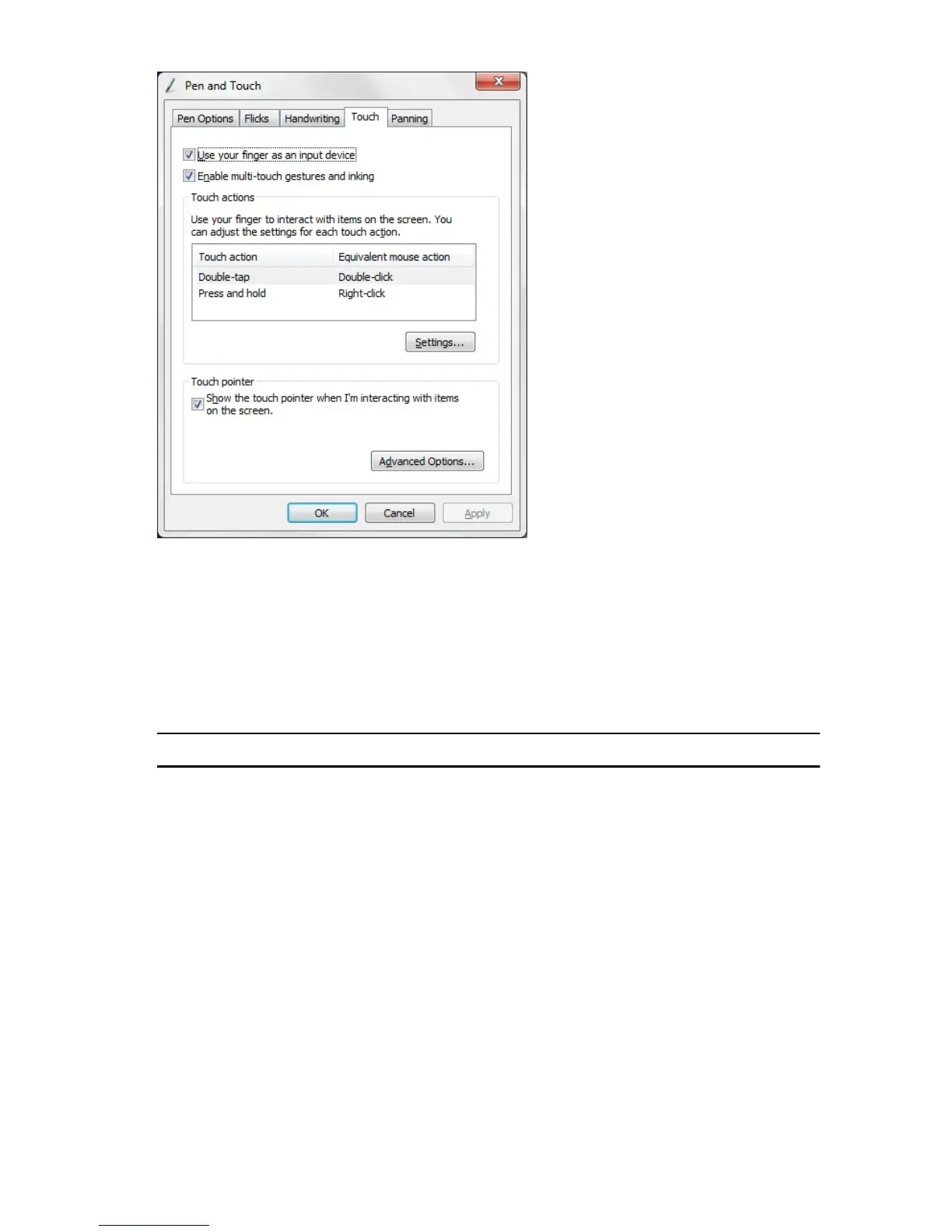
Figure 2. Pen and Touch — Touch Usage
Using Pen as a Mouse
You can use the pen the same way you use a mouse or touch pad with a notebook
computer. Holding the pen near the display makes a small cursor appear. Moving the
pen moves the cursor. The table below describes how to use the pen.
Function Action
Single-click on a mouse Gently tap the pen tip on the screen of your Tablet
PC.
Double-click on a mouse Gently tap the pen tip twice in quick succession
on the screen of your Tablet PC.
Right-click on a mouse Touch the pen on the screen and hold it in place
momentarily until Windows draws a complete
circle around the cursor.
18














 To Next Page