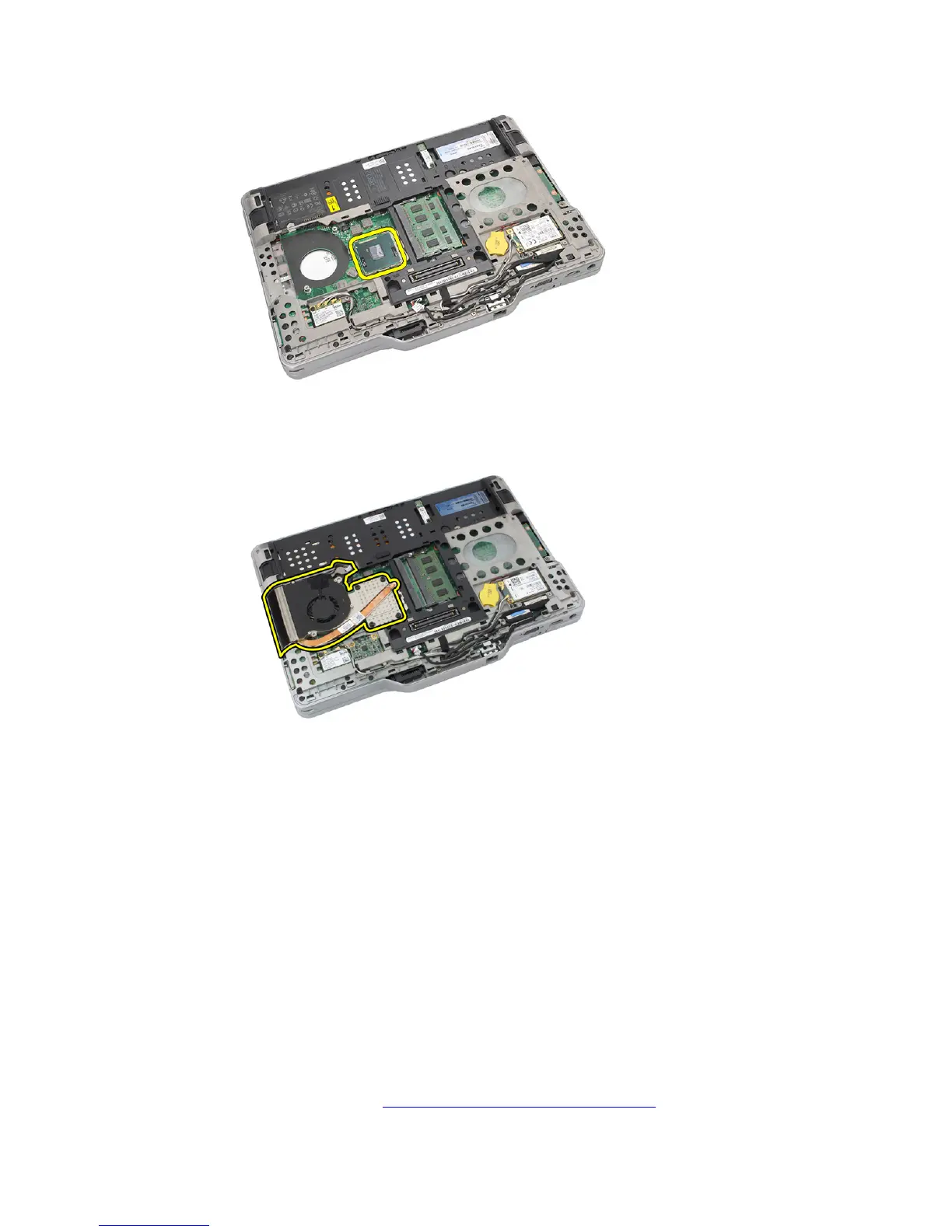
8. Lift and remove the processor from the computer.
9. Lift the heat sink up to remove it from the computer.
Installing the Processor
1. Insert the processor into the socket.
2. Tighten the processor-cam screw in clockwise direction to secure the processor.
3. Replace the heat sink.
4. Replace the base cover.
5. Replace the hard drive assembly.
6. Replace the back panel.
7. Replace the battery.
8. Follow the procedures in After Working Inside Your Computer.
58














 To Next Page