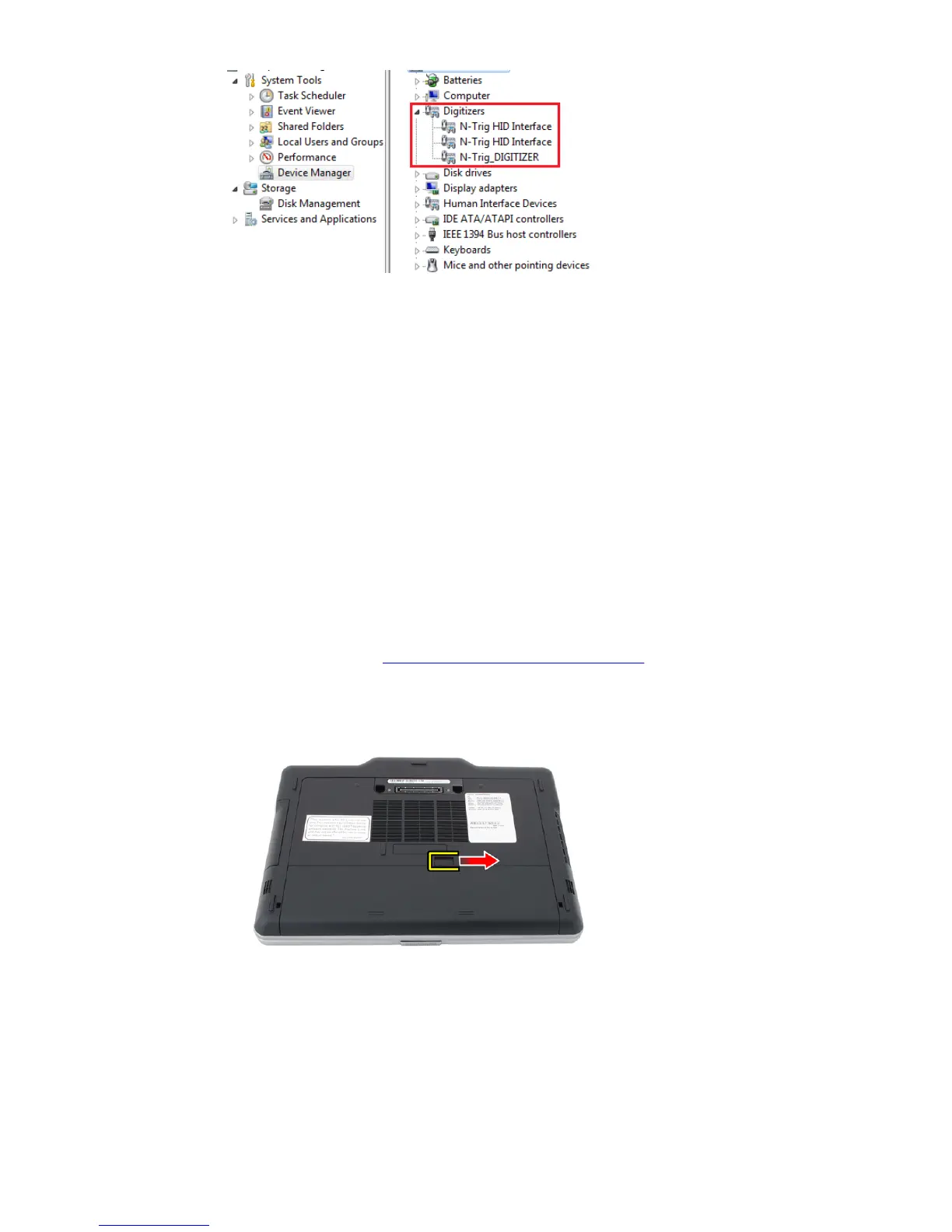
Figure 12. Device Manager — Digitizers
b. If the device is recognized, try to uninstall the N-trig bundle and reinstall.
c. If the device is not recognized, check if you see it under Unknown Devices and
update the driver for the unknown device
d. In Windows 7, after successfully installing the N-trig bundle you have to check
if the Tablet PC Components check box (in Windows Features) is selected.
1. Go to Control Panel --> Programs and Features.
2. In the Programs and Features window, click the Turn Windows Features
On/Off link, located in the left sidebar
3. Check if the Tablet PC Components check box is selected.
Removing the Battery
1. Follow the procedures in Before Working On Your Computer.
2. Slide the release latch to unlock the battery.
30














 To Next Page