172 Mini Tower Computer Parts
4
If your replacement hard drive does not have the plastic hard-drive bracket
attached, remove the bracket from the existing drive by unsnapping it
from the drive.
Snap the bracket onto the new drive.
5
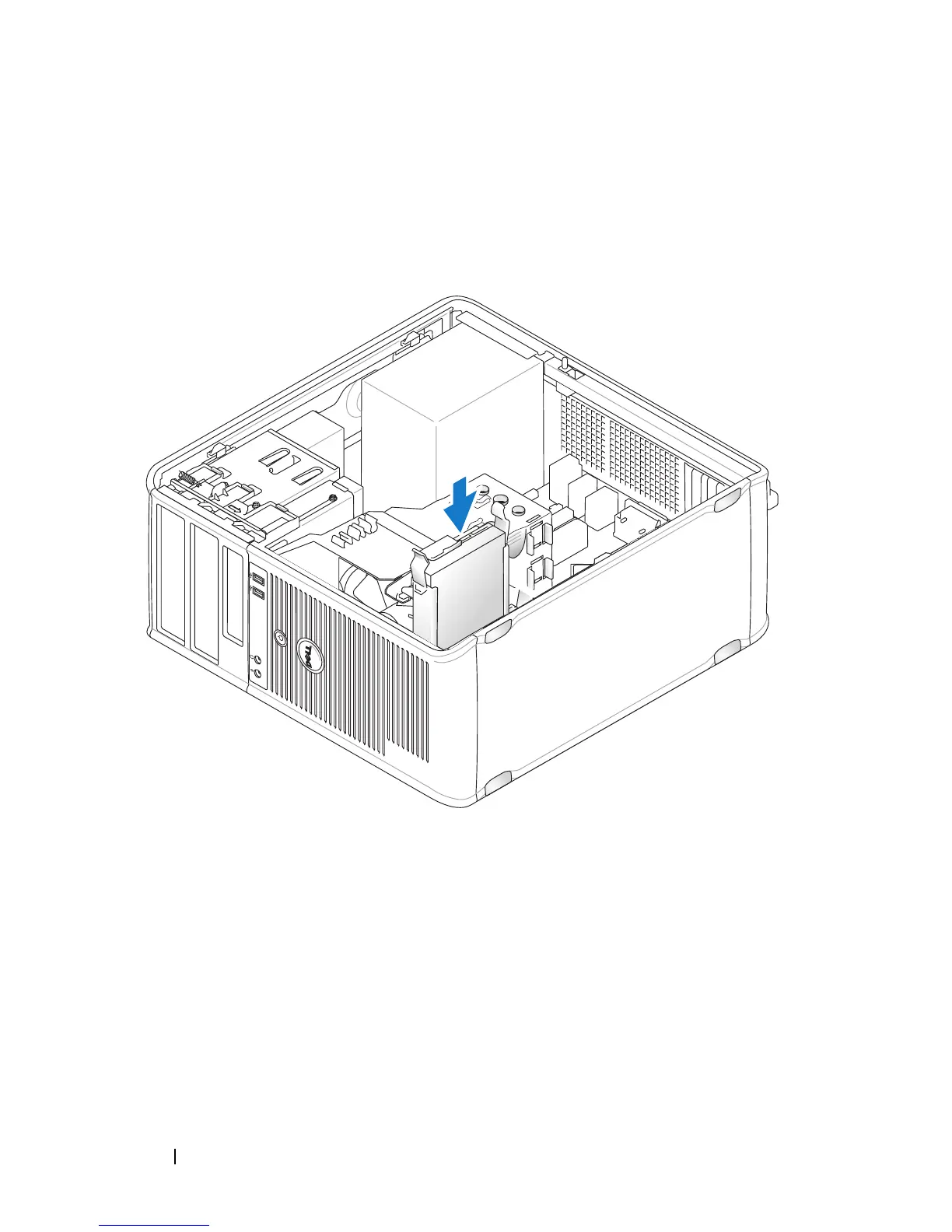
Gently slide the hard drive into the drive bay until it clicks into place.
6
Connect the power and data cables to the drive.














 To Next Page