186 Mini Tower Computer Parts
6
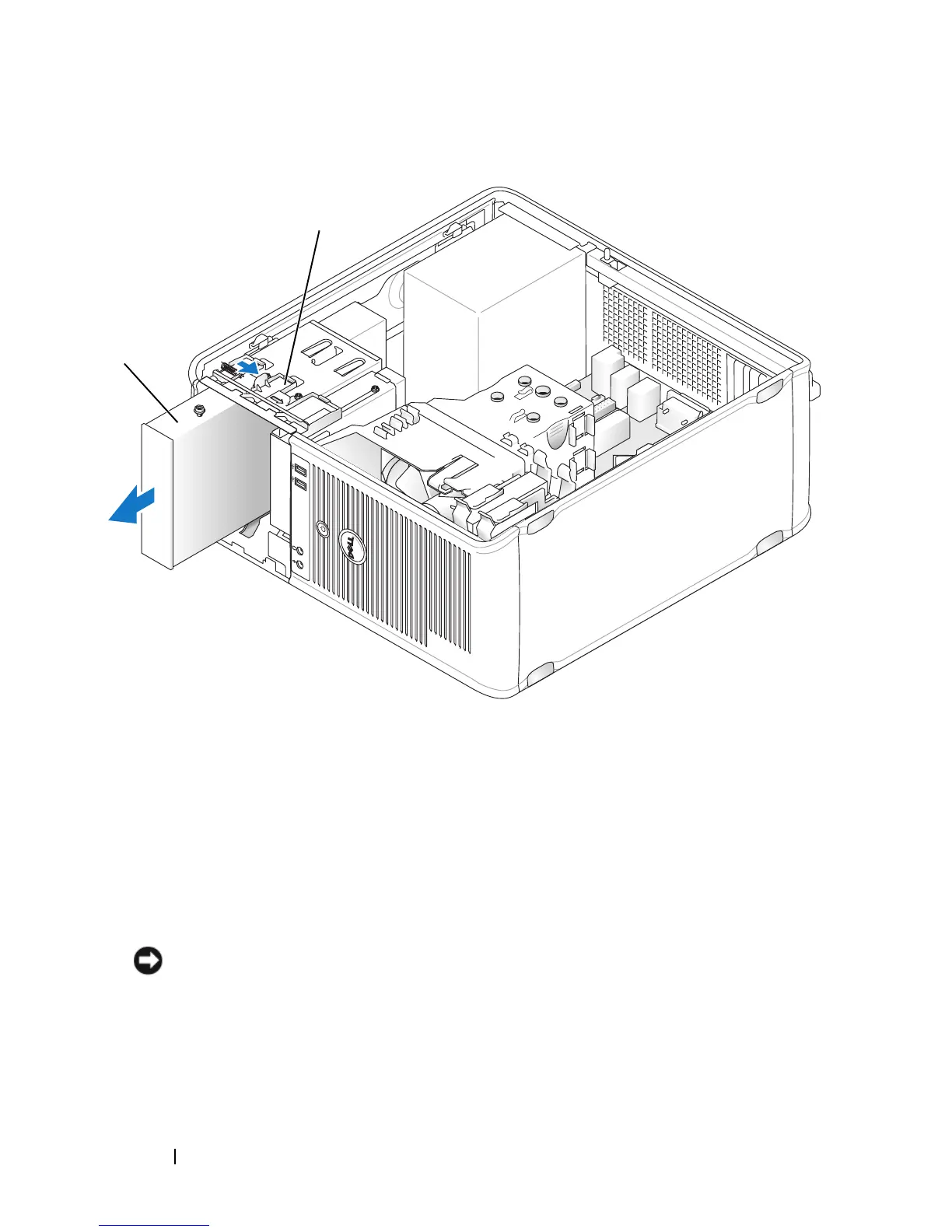
If you are replacing the optical drive, see "Installing an Optical Drive" on
page 187.
7
Replace the bezel (see "Replacing the Bezel" on page 166).
8
Replace the computer cover (see "Replacing the Computer Cover" on
page 207).
NOTICE: To connect a network cable, first plug the cable into the network port or
device and then plug it into the computer.
9
Connect your computer and devices to electrical outlets, and then turn
them on.
1 optical drive 2 drive release latch
1
2














 To Next Page